Win10 下啟動《洛奇英雄傳》輸入帳密後讀條卡死、無反應。經排查:遊戲目錄下 srcds.exe (Source Dedicated Server 核心) / hshield (HackShield 反外掛) 無法在 Win10 正常啟動,導致反作弊初始化失敗、遊戲進程掛起。解法:對相關可執行檔啟用相容模式 (Win7/Win8) + 以管理員身分執行。
D:\Games\Heroes\)。srcds.exehshield\hsupdate.exehshield\HShieldM.dll (非 exe 但需同目錄)GameLaunch.exe / Launcher.exe (啟動器)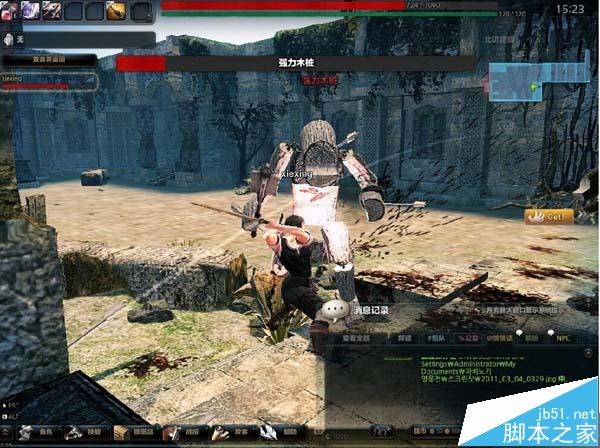
Win7RTMVersionLie, ElevateCreateProcess, DisableDXMaximizedWindowedMode) 模擬舊版行為,繞過版本檢查、修正 API 行為差異。C:\Windows\System32\drivers\ 下是否有 hshield.sys / EagleNT.sys 殘留舊版驅動,刪除後重啟遊戲自動安裝新版。Win10 Mobile 正式版官方更新日誌曝光:Windows Hello、開始畫面自訂、Continuum、Edge、Cortana、鍵盤手寫、商店、動作中心完整圖文+影片
Win7執行遊戲出現0xc00000ba錯誤?原因分析與完整解決方案
WinXP 無法開啟控制台?群組原則「禁止存取控制台」啟用所致,兩種解法(gpedit.msc / CMD 重註冊)
清除 Windows 系統密碼教學:以 DOS 環境替換 SAM 檔案破解登入密碼
Win10 管理工具在哪?兩種快速開啟方法:控制台、開始功能表
Windows 7 寬頻撥號正常但瀏覽器無法開網頁?三大故障現象與對應解法