裝 Win10 用不慣想換回 Win7/8.1?提供兩種方法:
方法一:Win10 內建「回復到舊版本」(限升級安裝 30 天內且 C 槽保留 Windows.old)
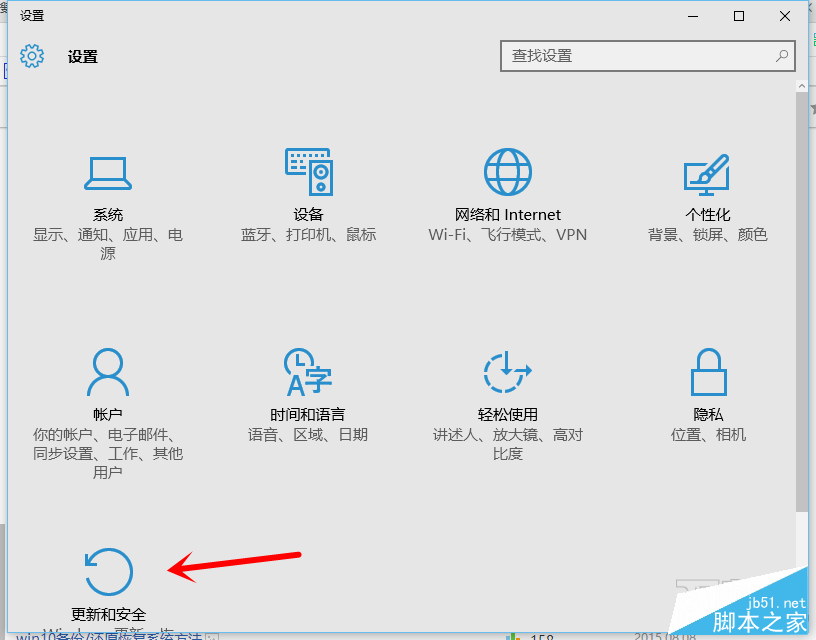
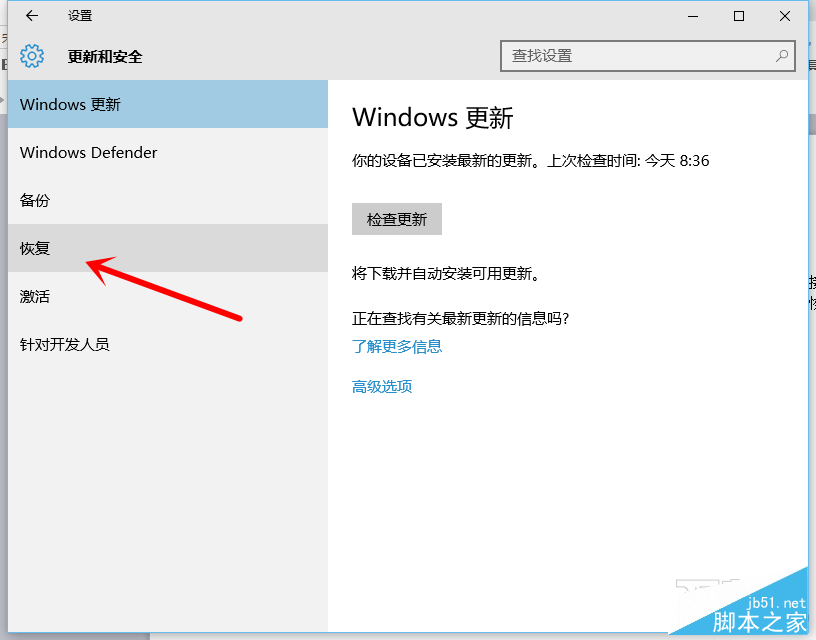
- 「開始」→「設定」→「更新與安全性」→「復原」。
- 點選「回到 Windows 7」或「回到 Windows 8.1」下的「開始」。
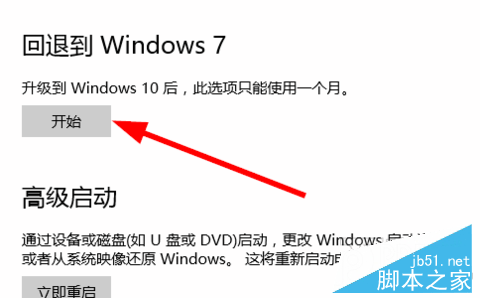
- 依提示操作即可還原。
方法二:大番茄一鍵重裝系統軟體(適用乾淨安裝 Win10 或超過 30 天)
- 下載安裝 大番茄一鍵重裝系統軟體。
- 開啟軟體點「立即開始重裝」→ 環境檢查與資料備份後選擇要裝的 Win7 版本(32/64 位元)→ 點「安裝」。
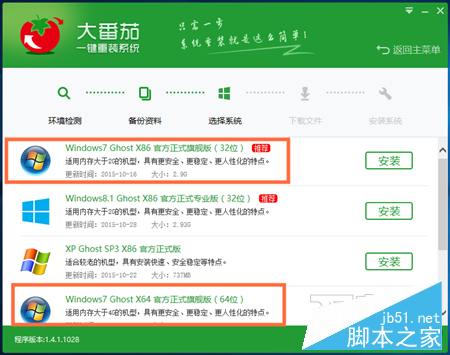
- 軟體自動下載映像並完成重裝全程無人值守。
方法一最簡便但有條件限制,方法二通用性強。更多系統重裝技巧請關注本站!