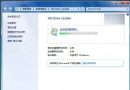
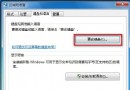
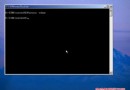
Windows 10 透過設定介面安裝語言包常失敗。改用系統內建 lpksetup.exe 搭配下載的 .cab 格式語言包離線安裝,成功率極高。
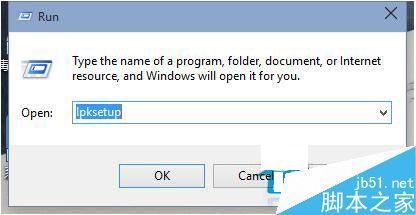
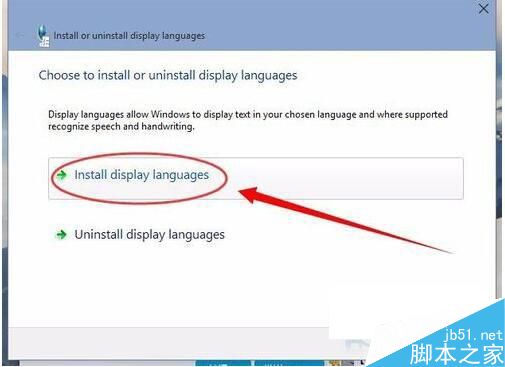
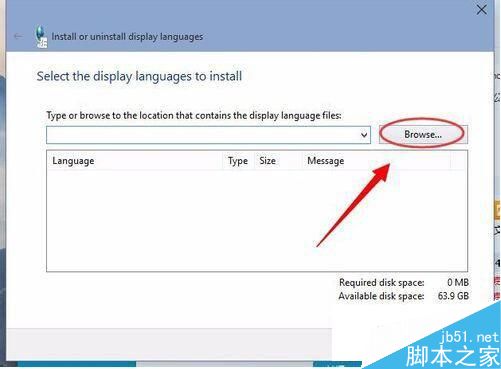
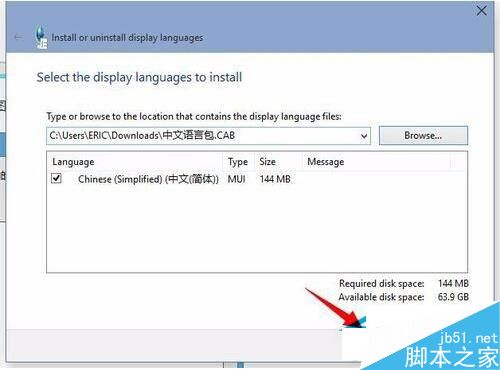
.cab 檔)。lpksetup → 確定。.cab 語言包檔案 → Next。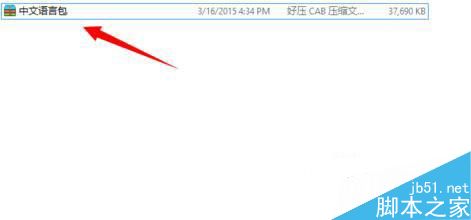
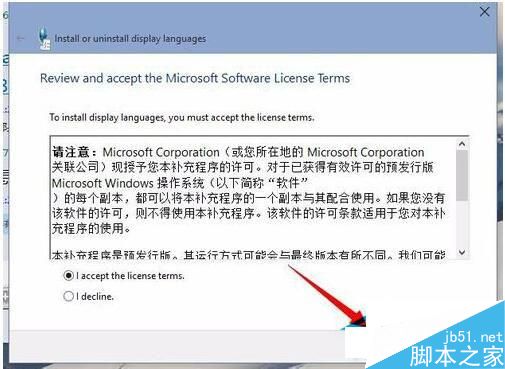
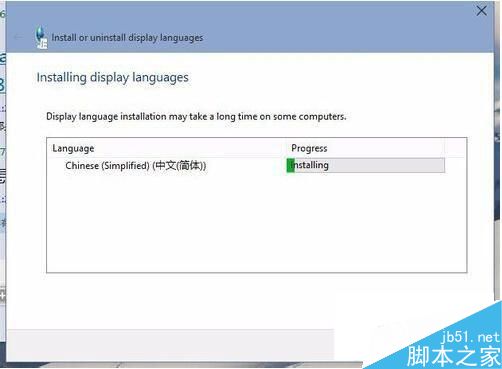
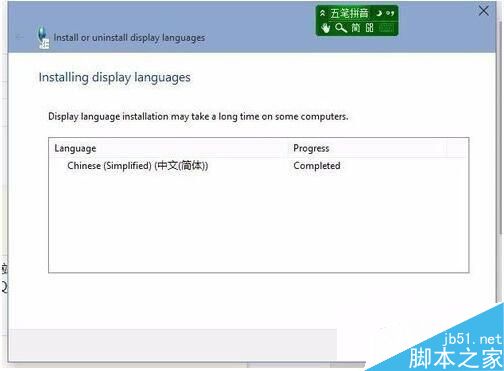
此法繞過 Windows Update 下載驗證流程,適用於離線環境或更新服務異常的系統。
Windows 7 一鍵關閉所有程式解決死機卡頓:建立 taskkill 捷徑指定排除 explorer.exe 與 dwm.exe
Windows Server 2008 無法開機?使用 CMD 指令修復啟動引導
Win10 版 iHeartRadio 電台應用上架商店:750+ 家美區電台、動態磁貼翻轉
Win10 15002洩露版安裝「封印」破解全記錄:Shift+F10調用CMD、替換utilman.exe、重置Administrator密碼
Windows 7 螢幕重新整理率設定教學:解決畫面閃爍、眼睛疲勞
Windows 8 切換至 Administrator 超級管理員帳戶教學:電腦管理啟用內建帳戶
Win10 Mobile 10149 更新修復內容完整彙總:Edge 瀏覽器、Cortana、相簿 GIF、OneDrive 自動上傳