Windows XP Windows 7 Windows 2003 Windows Vista Windows 綜合教學 Linux 系統教學
Windows 10 Windows 8 Windows 2008 Windows NT Windows Server 電腦軟體教學
您现在的位置: Windows教程網 >> Windows教程 >  >> Windows 綜合教學 >> 關於 Windows

Win8 網頁字型模糊/發虛?Internet 選項 → 字型 → 自訂字型與大小、取消「使用平滑邊緣」

編輯:關於 Windows

Win8/8.1 IE/舊版 Edge 字型渲染異常 (筆畫模糊、鋸齒明顯),調整瀏覽器字型設定即可改善。

操作步驟

  1. IE 右上「工具」 (齒輪) →「網際網路選項」。
  2. 「一般」索引標籤 →「字型」按鈕。
  3. 「網頁字型」/「純文字字型」分別選擇適合中文的字體 (如 微軟正黑體、新細明體、微軟雅黑) 及大小 (建議 16pt 以上)。
  4. 「存取易用性」 (或「外觀」視版本) → 取消勾選 「使用平滑邊緣」 (或改用 ClearType 微調)。
  5. 確定 → 重新整理網頁驗證。
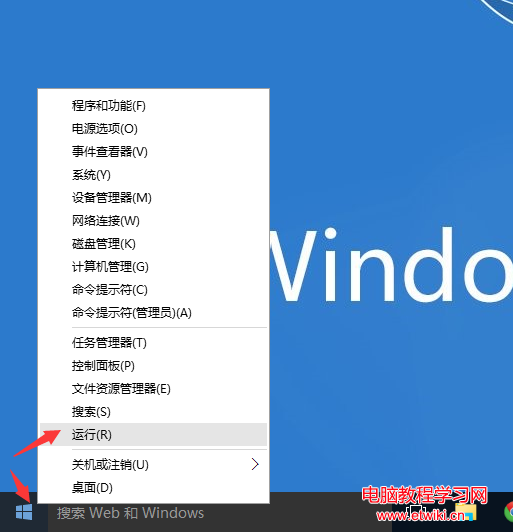
進階: 若系統整體字型模糊,執行 Win+R → cttune 開啟 ClearType 文字微調嚮導,依喜好完成 5 步驟微調,全系統受益。

Copyright © Windows教程網 All Rights Reserved