Windows XP Windows 7 Windows 2003 Windows Vista Windows 綜合教學 Linux 系統教學
Windows 10 Windows 8 Windows 2008 Windows NT Windows Server 電腦軟體教學
您现在的位置: Windows教程網 >> Windows教程 >  >> Windows 綜合教學 >> 關於 Windows

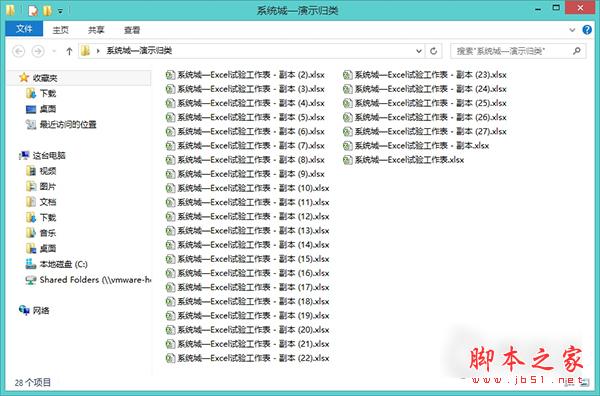
Win8.1 快速提取子資料夾所有檔名?善用 `Ctrl+F` 搜尋 `*.xls` 批次複製

編輯:關於 Windows

需快速彙總子資料夾下所有 Excel 檔名?Win8.1 檔案總管內建搜尋功能即可秒完成,無需第三方工具。

操作步驟

  1. 開啟目標資料夾(含多層子資料夾)。
  2. 按 Ctrl+F 進入搜尋模式,右上角搜尋框輸入:
    *.xls (Excel 2003) 或 *.xlsx (Excel 2007+) 或 *.doc/*.docx (Word)。
  3. 按 Enter,系統遞迴搜尋所有子資料夾並列出符合檔案。
  4. Ctrl+A 全選 → Ctrl+C 複製 → 在彙總資料夾 Ctrl+V 貼上(建立捷徑或複製檔案皆可)。
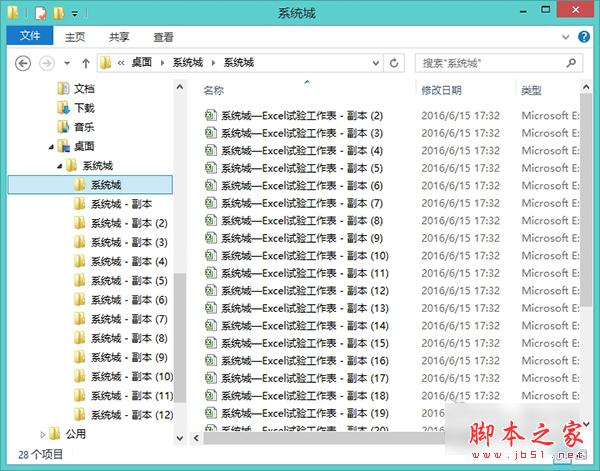


同理可尋任何副檔名,快速彙總分散在多層資料夾的同類檔案。

Copyright © Windows教程網 All Rights Reserved