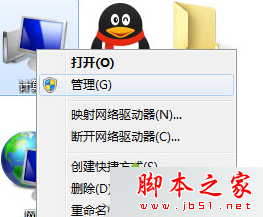
Win7 藍屏會產生 `.dmp` 記憶體傾印檔,若無法開啟,需安裝 Debugging Tools for Windows 並使用 WinDbg 分析。
操作步驟
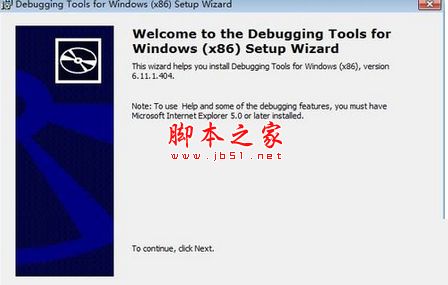
- 下載並安裝 Debugging Tools for Windows(x86 或 x64 依系統版本)。
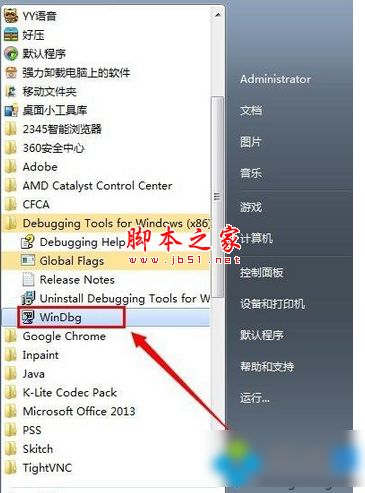
- 開始功能表 →「Debugging Tools for Windows (x86)」→ 點選 WinDbg 執行。
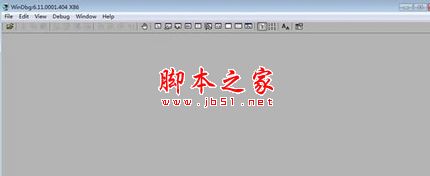
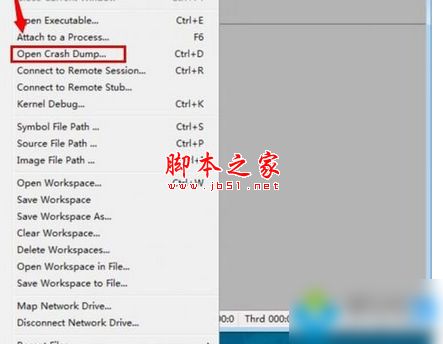
- WinDbg 選單:File → Open Crash Dump → 選擇 `.dmp` 檔案 → 開啟。
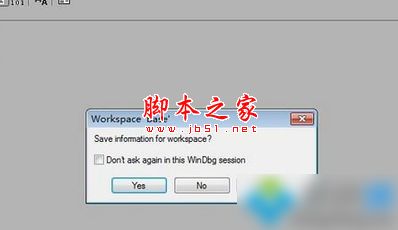
- 提示「開啟工作區?」點 Yes。
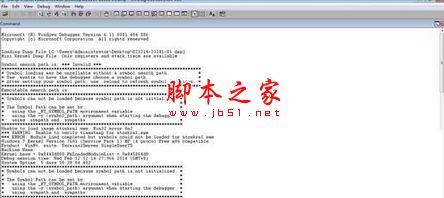
- 即可看到藍屏分析資訊(錯誤代碼、故障模組、呼叫堆疊等)。
分析 DMP 檔可精準定位藍屏原因(驅動、硬體、系統檔案),進而對症下藥。