XP 系統登入《英雄聯盟》(LOL) 出現 Null 錯誤,可能原因:帳號被封、網路波動、輔助工具衝突、IE 安全性設定阻擋、遊戲檔案損毀。請依序排查。
排除步驟
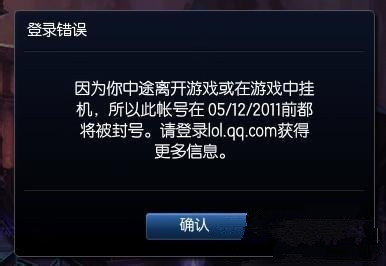
- 上官網查詢帳號狀態,確認是否因掛機/違規被封號導致 Null。
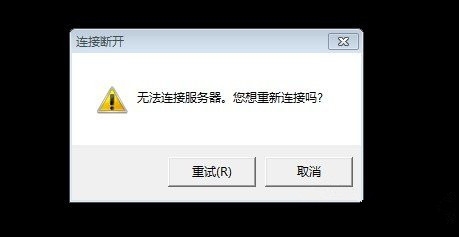
- 若提示「網路錯誤無法連線」,重新啟動遊戲客戶端。
- 關閉所有輔助工具(如 WeGame、盒子、插件),登入遊戲前勿開啟。
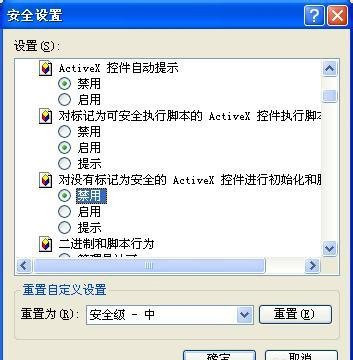
- IE →「工具」→「網際網路選項」→「進階」→ 勾選「允許執行或安裝即使簽名無效的軟體」 → 重開遊戲測試。
- 以上皆無效:檢查系統完整性 (`sfc /scannow`),或重新安裝 LOL 客戶端。

XP 系統已停止支援,建議升級至 Win7/Win10 以獲得更好的遊戲相容性與安全性。