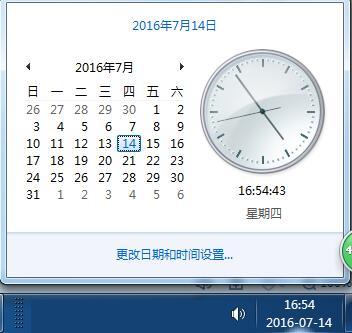
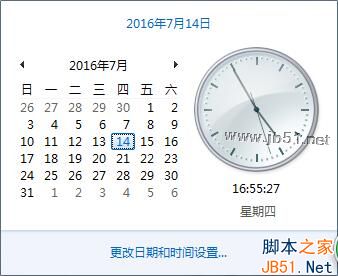
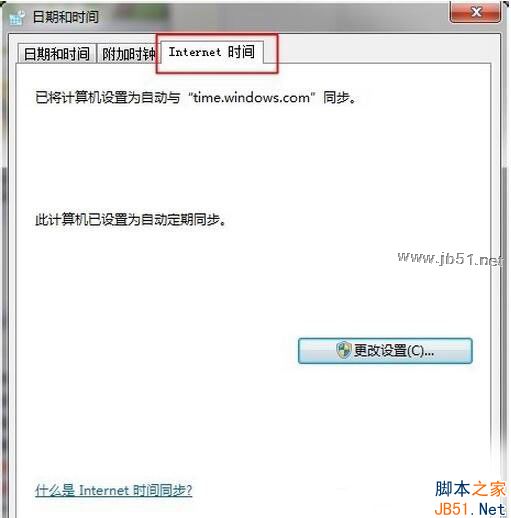
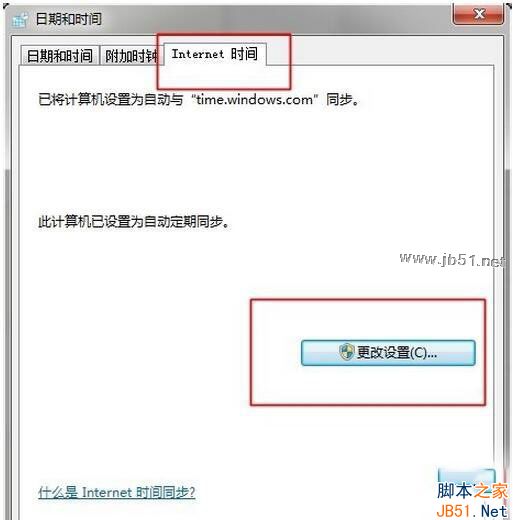
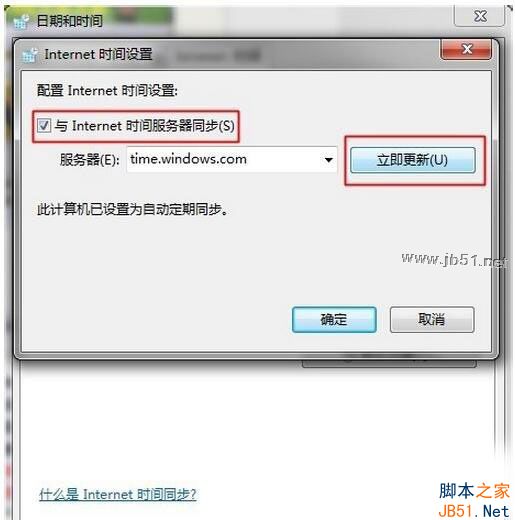
錯誤 0x80072f8f 多因系統時間與實際時間不符(超過 5 分鐘),導致 SSL 憑證驗證失敗、Windows Store 無法連線。
0x80072f8f
若同步後仍無法啟動 Store,請先在「服務」中手動啟動 Windows Store Service (WSService):工作管理員 → 服務 → 找到 WSService → 啟動。
此法僅適用 0x80072f8f,其他錯誤碼請另行排查。
Win10 更新報錯 0x80070422 再報 0x8024001e?啟用 Windows Update 服務即時修復
Win10 系統如何使用手機助手導出微信小視頻?
Win8.1 如何將檔案隱藏在圖片中?CMD copy /b 指令實現隱寫術
Win7 如何免費升級 Win10?官方「取得 Windows 10」完整圖文教學
Windows 內建掃描軟體無法掃描?啟用 WIA 服務解決
Win8/8.1 強制啟用經典 XP 風格開始選單:群組原則「強制經典開始選單」無需第三方軟體
Win7 工作列無法釘選程式、拖曳圖示出現禁止符號?註冊表一鍵修復
Windows 10 Build 10147:Edge 瀏覽器獲得暗色模式,系統 UI 細節調整