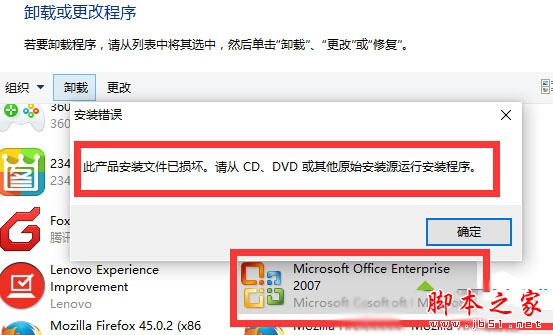
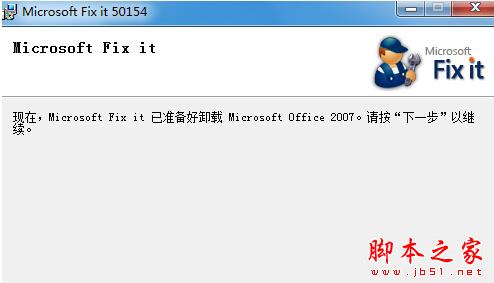
Win10 解除安裝 Office 2007 彈出「此產品安裝檔案已損壞,請從原始安裝來源執行安裝程式」。官方工具 Microsoft Fix it 專為清理殘留 Office 安裝資訊設計,一鍵解決。
清理完成後可正常重新安裝新版 Office。延伸閱讀:Win10 安裝 Office 2010 錯誤 1935 解決方法。
Win7 鍵盤無法輸入文字怎麼辦?檢查連接、關閉屏蔽軟體、更新驅動三步驟排除故障
Win10 Build 10565 Edge 浏览器完整更新日志:标签预览、收藏同步、拖拽上传
Win10 工作列自動隱藏、移動位置、按鈕樣式完整設定圖解
Win10 Mobile 10581 社交應用 (QQ/微信) 發圖功能仍不完善:舊相簿照片無法識別
Win10 常用快捷鍵大全:虛擬桌面、視窗貼靠、任務檢視一鍵搞定
Win10 14328 簡體中文專業版 64 位 ISO 下載(官方 ESD 轉製、含軟媒魔方/旗魚瀏覽器)
Win7 系統連接 VPN 失敗提示錯誤代碼 721 故障分析與解決方法
Win7 待機喚醒密碼設定教學:先設開機密碼,再啟用電源選項「喚醒時需要密碼」