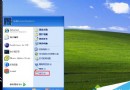
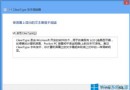
Win7 突然無法複製貼上,依序嘗試以下三法通常可解決:
cmd
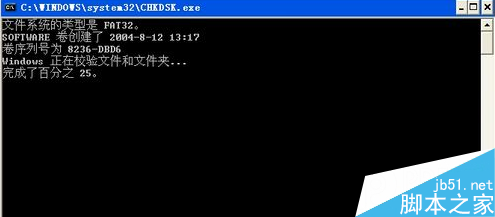
chkdsk d: /f
三法由輕至重,通常執行完即可恢復複製貼上功能。
Windows 10 設定桌面背景幻燈片輪播完整教學
Windows 7 讓工作列「檔案總管」直接開啟「電腦」而非「程式庫」
Win10 Mobile RS2 將統一 PC 版 Wi-Fi 設定頁,新增計量連線功能
Windows 系統檔案出現亂碼?註冊表與地區設定雙管齊下徹底解決
Win8 升級後 IE 無法開啟?執行 netsh winsock reset 重置網路目錄即可修復
Win10 如何修改 IIS 預設連接埠 80?IIS 管理員「編輯繫結」自訂 Port 圖文教學
Win10 批量授權版如何查看剩餘授權天數?slmgr.vbs -xpr 一鍵查詢,附到期後續授權說明
Win10 內建截圖工具在哪?四種截圖模式與筆跡標註教學