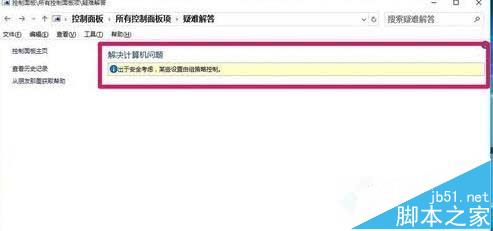
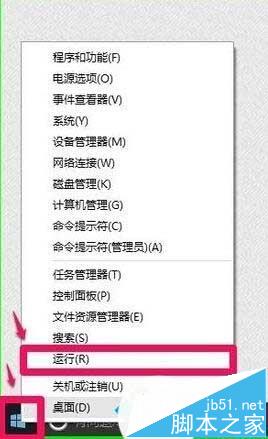
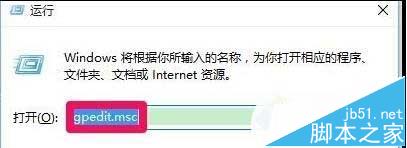
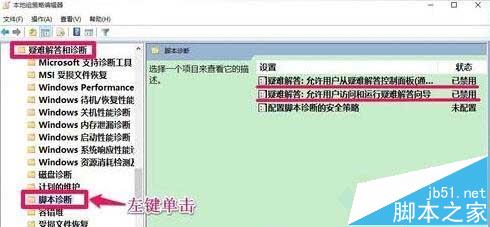
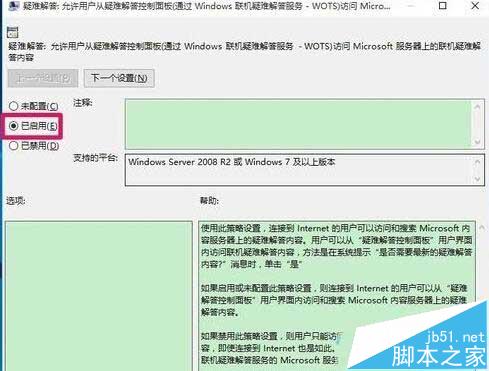
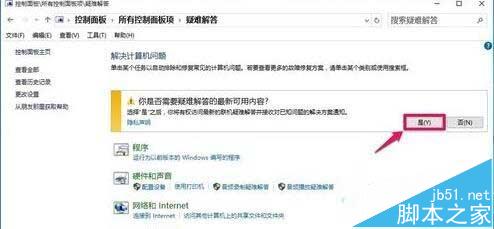
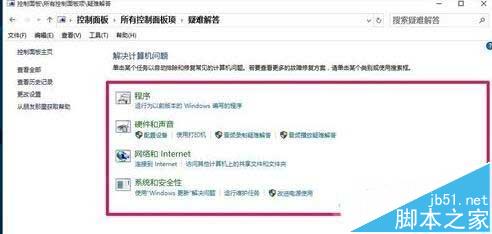
Win10 控制台「疑難排解」顯示「出於安全考量,某些設定由群組原則控制」無法開啟,實為本地群組原則停用了兩項腳本診斷設定。透過 gpedit.msc 啟用即可恢復功能。
gpedit.msc
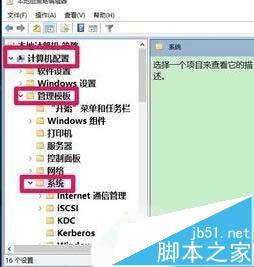
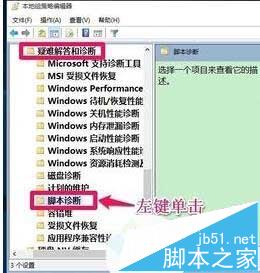
電腦設定 → 系統管理範本 → 系統 → 疑難排解和診斷 → 腳本診斷
Win10 命令提示字元切換回傳統版:勾選「使用舊版主控台」即可
Virtual PC 2007 SP1 虛擬機拖曳檔案到主機報錯 Vitual PC(d3) 解決方案
Windows 10 10240 升級安裝 TH2 10586 圖文教學:Windows Update 線上升級 5 步驟輕鬆完成
Win10 代理伺服器連線失敗?電腦管家一鍵修復教學
Win10 預覽版 10162 官方 ISO 鏡像下載彙總(中英繁簡 32/64 位)
Windows 測試伺服器連接埠是否開放?Telnet、PsPing、線上工具全攻略
Win10 IP 位址衝突解決教學 手動設定靜態 IP 避免衝突
Windows 10 虛擬桌面切換教學:任務檢視新增/切換/刪除桌面與縮圖預覽操作