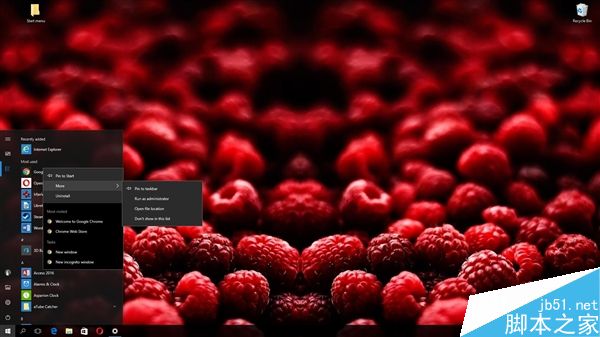
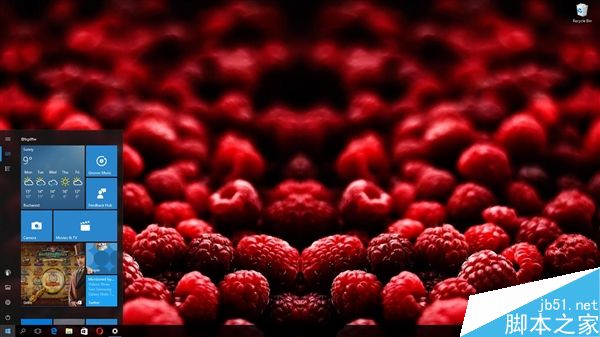
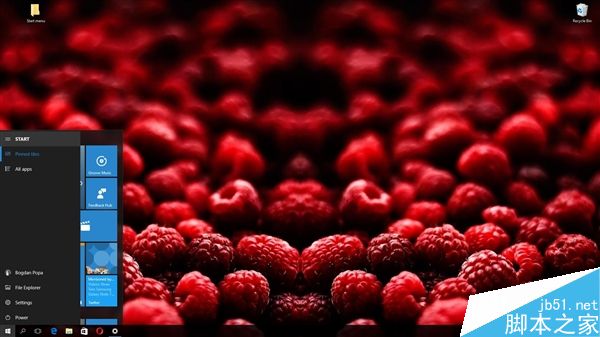
微軟規劃於 2017 年春季釋出 Windows 10 RedStone 2(RS2)正式版,目前僅有 Insider 會員可搶先體驗。最新曝光的截圖顯示,「開始」選單最大的變革在於允許使用者完全隱藏應用程式清單,呈現更簡潔的介面,呼應許多用戶期盼的 Windows 7 風格。
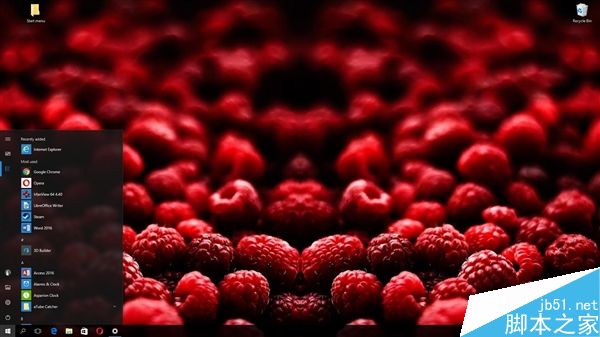
操作路徑:設定 → 個人化 → 開始,開啟 「在開始選單中隱藏應用程式清單」 選項即可。
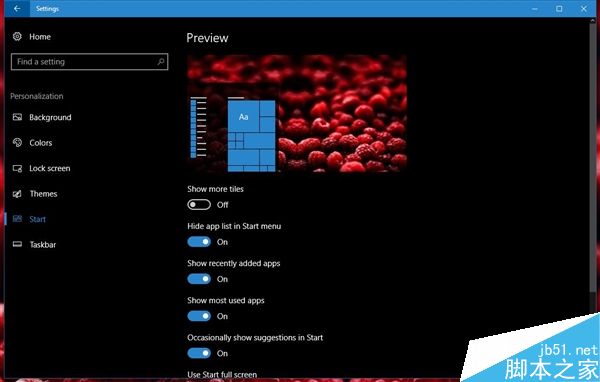
微軟表示,此設計靈感源自用戶回饋,旨在協助想在 Windows 10 上找回 Windows 7 操作習慣的使用者。雖然應用程式清單可隱藏,但動態磚仍保留,維持 Windows 10 的現代特色。
Win10 RedStone 桌面預覽版 14295 已知問題與解決方案匯總
Win10 Mobile RS1 14267.1004 升級過程截圖記錄:Lumia 950 XL 實測 1.5 小時完成、修復 550 充電 Bug
微軟官方解釋 KB3135173 重設預設應用程式原因:第三方軟體不當修改登錄觸發保護機制
Win10 免費升級通道關閉了還能升級嗎?「時光倒流」法延長免費升級
快速解決 Windows Update 錯誤碼 80070003
Windows 10 安裝失敗且無任何錯誤提示?可能是加密軟體導致,卸載後即可解決