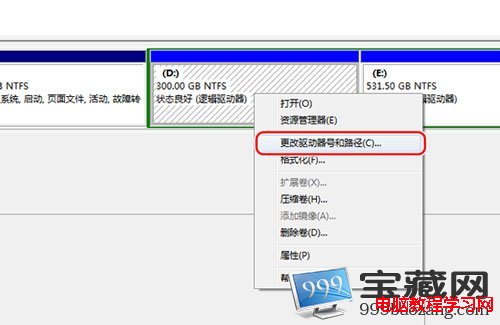
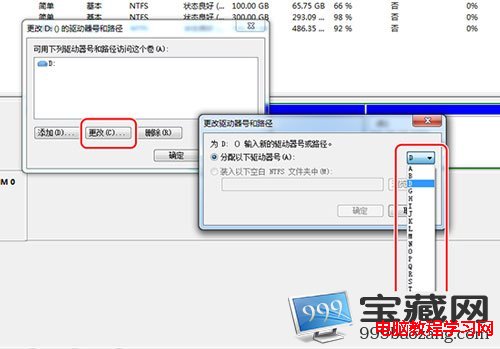
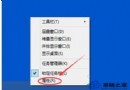
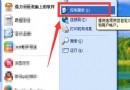
Windows 7 磁碟管理工具可輕鬆變更非系統磁碟機代號(如 D:、E: 等),系統碼 C: 建議勿變更以免軟體路徑失效。
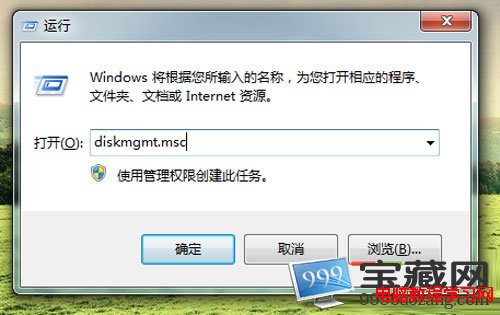
diskmgmt.msc
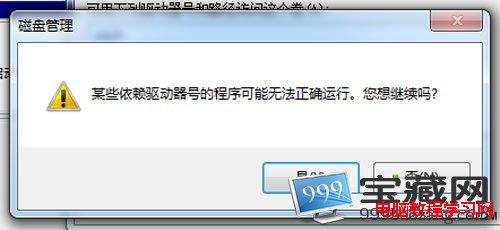
變更完成後,該分區在檔案總管即顯示新代號。已安裝軟體若依賴舊代號路徑可能需重新安裝或修改捷徑目標。
Windows 7 螢幕亮度調整:電源選項與 Win+X 快捷鍵雙管齊下
Win10 專業版關閉自動更新:群組原則設定「設定自動更新」為「通知下載並通知安裝」
Windows.old 刪不掉怎麼辦?Win10 磁碟清理移除舊系統資料夾教學
輕鬆搞定 Win10 激活問題:從基本政策到四大場景完整指南
Win10 週年更新 KB3194496 安裝失敗問題修復即將完成
Win10 以新視窗開啟資料夾,雙視窗並列大幅提升檔案操作效率
Win8.1 IE 瀏覽器網頁版面錯亂?兩種相容性修正法
Microsoft 官方詳解 Windows 10 命令提示字元重大改進:支援複製貼上、選取、透明度、TrueType 字型