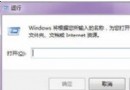
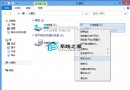
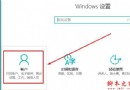
Win8/8.1 預設移除開機按 F8 進入進階啟動選單,改為圖形化「修復電腦」介面。若習慣傳統文字模式選單 (安全模式、最後一次正確設定等),可透過 bcdedit 指令恢復。
bcdedit /set {default} bootmenupolicy legacy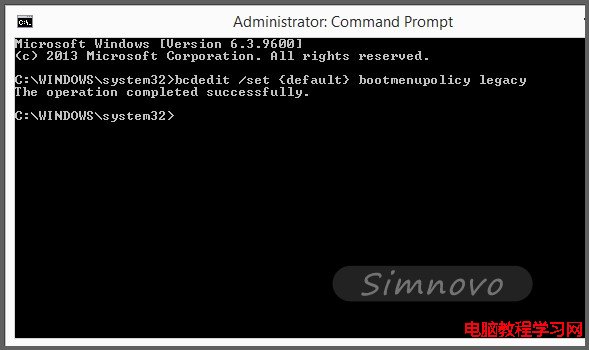
同樣以管理員身分執行 CMD,輸入:
bcdedit /set {default} bootmenupolicy standard
重啟後恢復 Win8/8.1 原生圖形化修復環境。
適用版本: Windows 8、Windows 8.1、Windows 10 (早期版本) 均支援此參數切換。
Win8 出現 wermgr.exe 應用程式錯誤與擴展屬性不一致的解決方案
Windows 即服務 (WaaS) 深度解析:非訂閱制、終身支援、家庭版強制更新、企業版可延緩
Win10 系統怎麼關閉 Superfetch 服務?禁止 Superfetch 自啟動教程
Win10 如何設定圖片密碼?三點手勢解鎖比數位密碼更安全直觀完整教學
安裝 Win10 後電腦被劫持?假冒微軟免費升級郵件藏勒索病毒
微軟 2016 年 1 月修補星期二:9 項安全更新含 6 項嚴重級,Win10/8.1/7 全受影響
32 位元與 64 位元系統差異全解析:記憶體、軟體相容與查看方法
Win10 記憶體無法為 read/written 錯誤解決:ShellExecuteHooks 清理、DLL/OCX 重新註冊、全量註冊