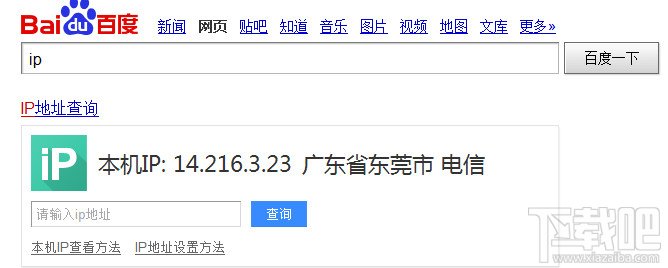
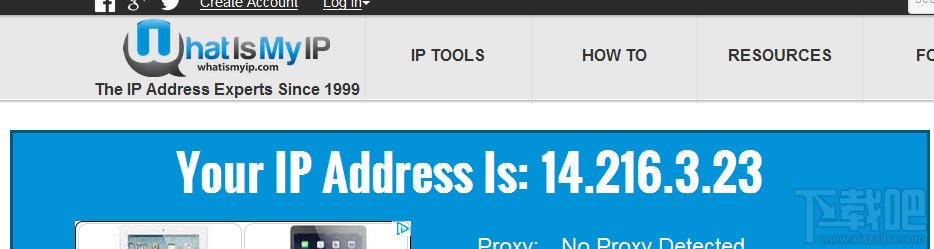
多數人用 Win7,但仍有不少 Win8 使用者。需查 IP 時不知從何下手。本文教您 Win8 查詢公有與私有 IP 位址方法。
IP 分公有與私有。公有 IP 由電信業者分配,用戶無法自行更改,可直連 Internet。私有 IP 由路由器、ADSL Modem 分配或自行設定,僅限內網使用,需經路由器/Modem 轉換才能連外網。一般所說 IP 設定皆指私有 IP。
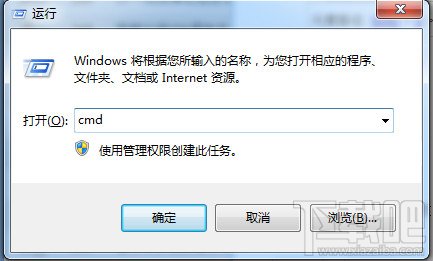
cmd
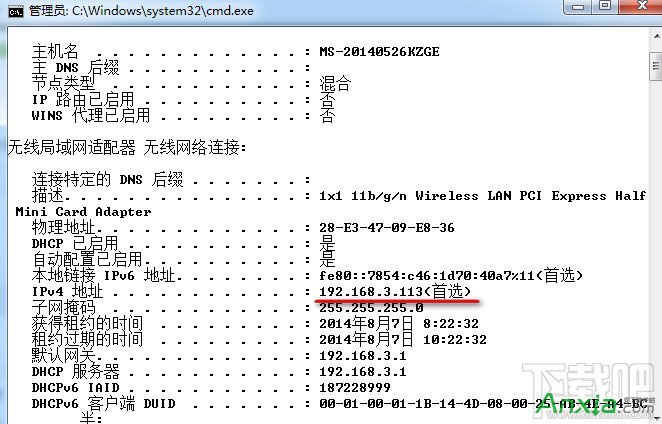
ipconfig
ipconfig /all
Win7 環境變數 Path 設定兩法:CMD 臨時修改(關閉視窗失效)與系統屬性永久生效,附常用變數對照表
WinXP 啟用游標瀏覽功能:鍵盤導航網頁無需滑鼠
Win7 登入 DNF 出現 tcls parsing failed 錯誤?修復 TCLS 客戶端一鍵解決
Windows 10 開始選單替代設計概念:類 Win7 佈局 + 扁平化風格,直接存取設定更實用
Win10 Redstone 預覽版 14291 簡體中文 ISO 映像下載 32 位元
Windows 10 快速啟動功能開啟教學:修改登錄縮短應用程式啟動延遲
Win10 新設定 PIN 碼無法登入/刪除/修改?預覽版 Bug,可輔助 Win8.1 管理
Win10 重置出現「inaccessible boot device」/無限重啟/藍屏?建議改用 USB 重新安裝