Windows XP Windows 7 Windows 2003 Windows Vista Windows 綜合教學 Linux 系統教學
Windows 10 Windows 8 Windows 2008 Windows NT Windows Server 電腦軟體教學
您现在的位置: Windows教程網 >> Windows教程 >  >> Windows 綜合教學 >> 關於 Windows

Windows 8.1 開啟「執行」視窗的兩種快速方法

編輯:關於 Windows

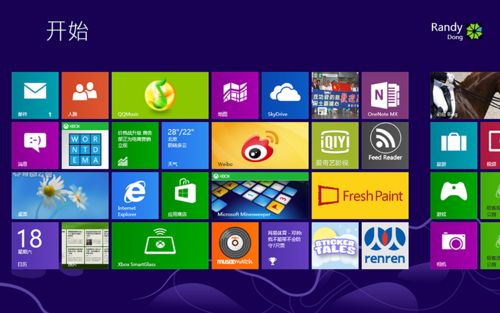
Windows 8.1 起始畫面取代傳統開始選單,許多使用者找不到「執行」指令。以下提供兩種最快開啟方式。

方法一:鍵盤快速鍵(最推薦)

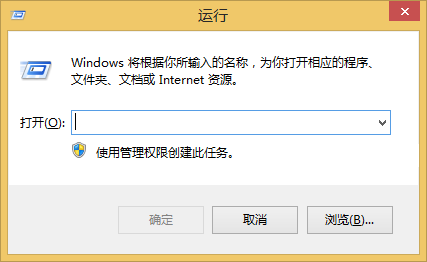
在傳統桌面或開始畫面直接按 Win + R,即可瞬間彈出「執行」對話方塊。
Win8.1 執行視窗

Win+R 開啟執行

方法二:搜尋功能

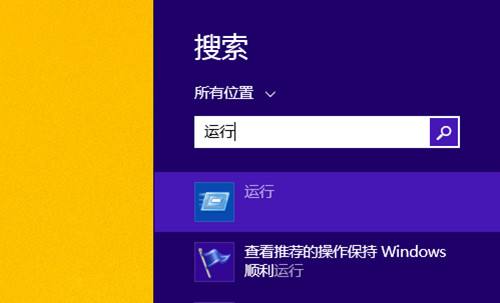
  1. 按 Win + S 或將滑鼠移至右上角呼叫 Charm 列 > 點擊「搜尋」。
  2. 輸入 「執行」 或 run。
  3. 點擊搜尋結果中的「執行」應用程式即可開啟。

搜尋執行

小提醒

  • Win + R 在所有 Windows 版本(含 10/11)通用,建議養成肌肉記憶。
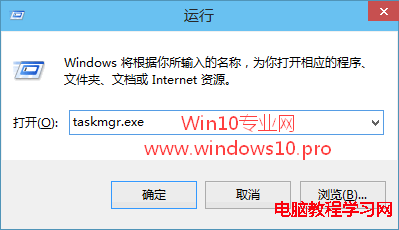
  • 若需系統管理員權限執行,可在「執行」視窗輸入指令後按 Ctrl + Shift + Enter。

Copyright © Windows教程網 All Rights Reserved