Win8.1 預設未安裝 IIS,需手動啟用 Windows 功能。以下為安裝與驗證步驟。
安裝步驟
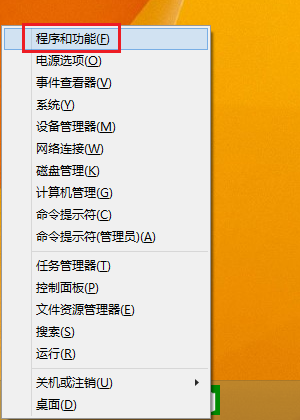
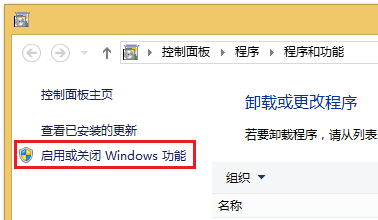
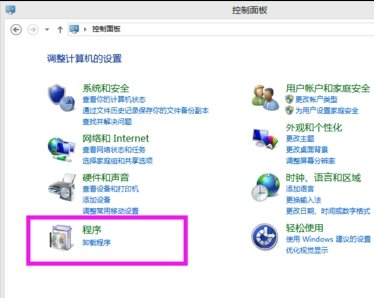
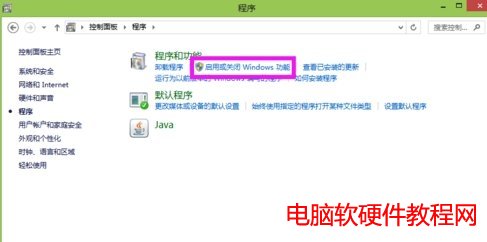
- 按 Win + X 選擇「程式和功能」→ 左側「開啟或關閉 Windows 功能」。
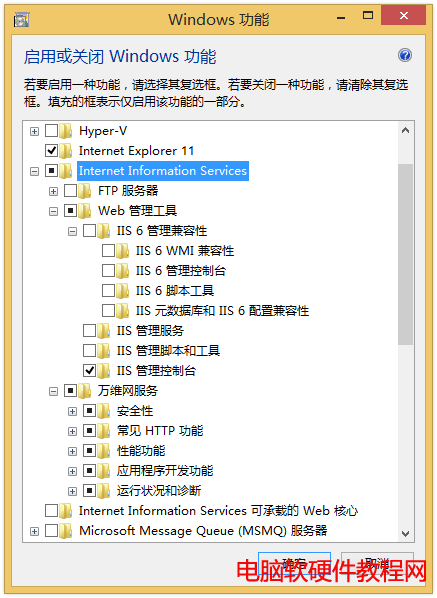
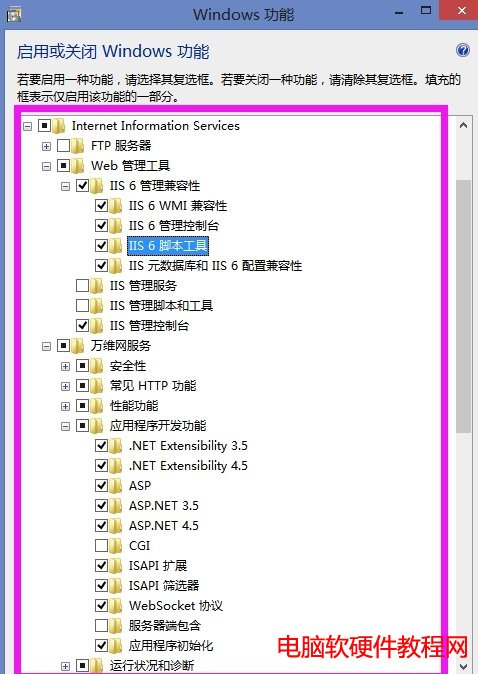
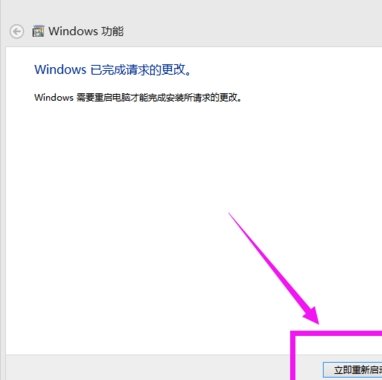
- 勾選「Internet Information Services」及所需子功能 (如 Web 管理工具、應用程式開發、常見 HTTP 功能等) → 確定安裝。
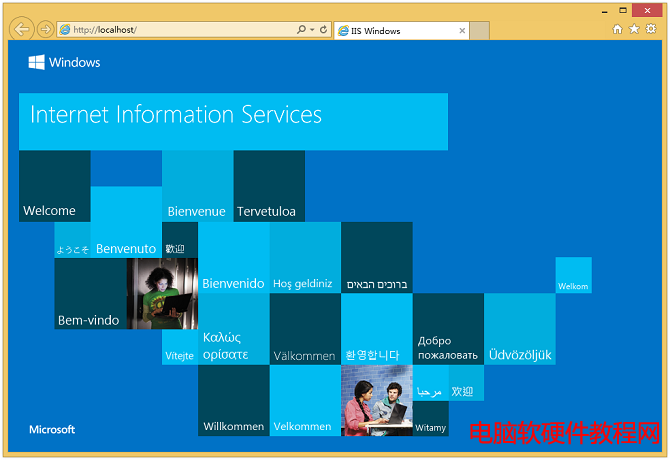
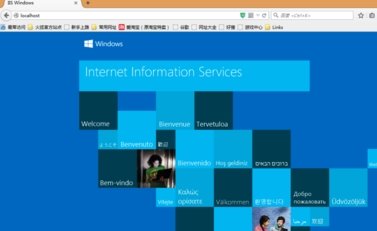
- 安裝完成後,瀏覽器輸入
https://localhost/ 若出現 IIS 預設歡迎頁面即代表成功。
替代驗證方式 (透過電腦管理)
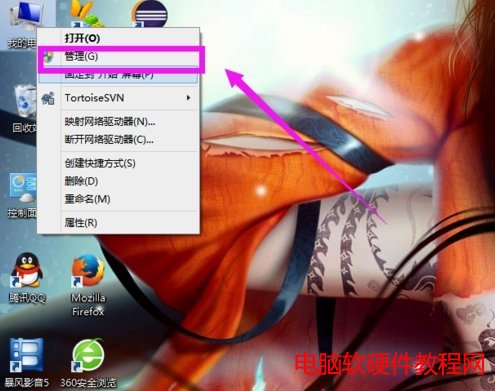
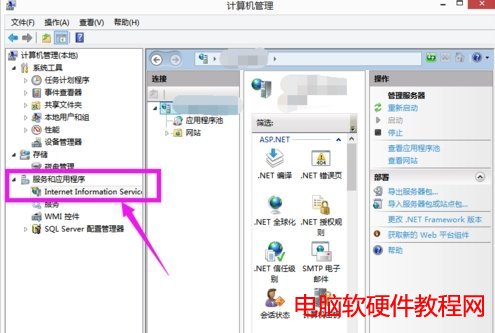
- 右鍵「這台電腦」→「管理」→ 「服務和應用程式」→「Internet Information Services (IIS) 管理員」。
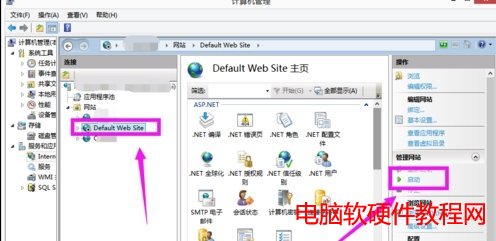
- 展開「網站」→「Default Web Site」→ 右側「啟動」 (若未執行)。
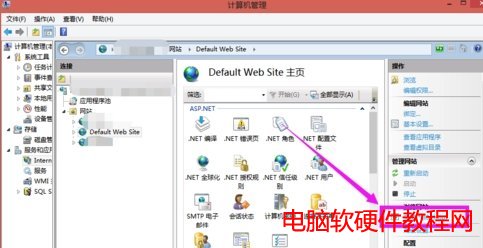
- 點擊右側「瀏覽 *:80 (http)」或瀏覽器輸入
localhost 驗證。
系統內建 IIS 穩定輕量,適合本地開發測試,無需第三方整合包。