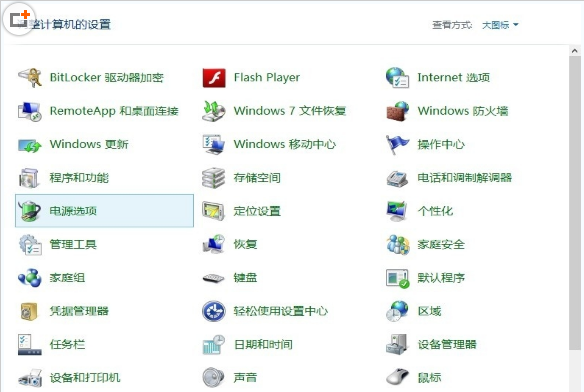
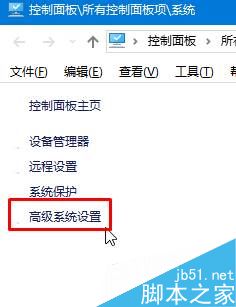
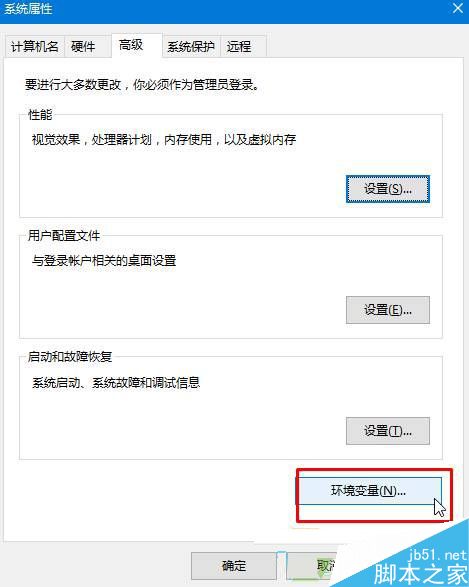
Win10 開啟 gpedit.msc 或其他 MMC 主控台報「無法建立管理單元」,主因使用者/系統環境變數 Path 遺失關鍵系統路徑。補齊四條核心路徑即可恢復。
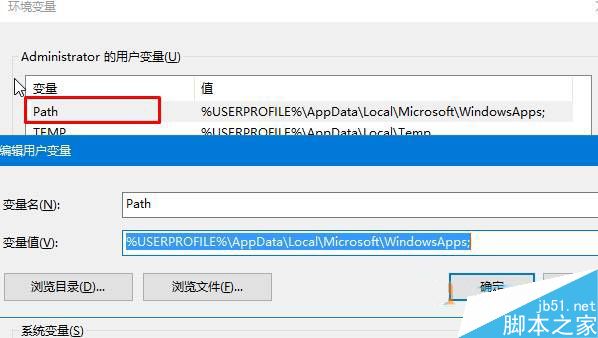
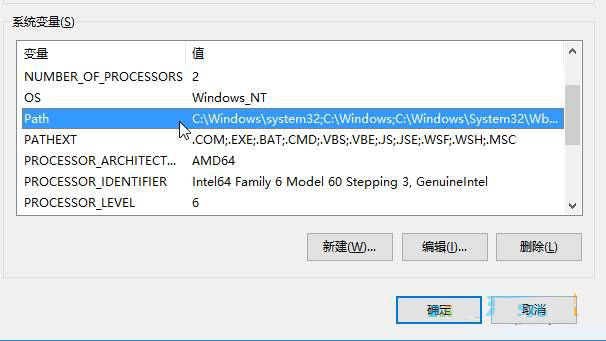
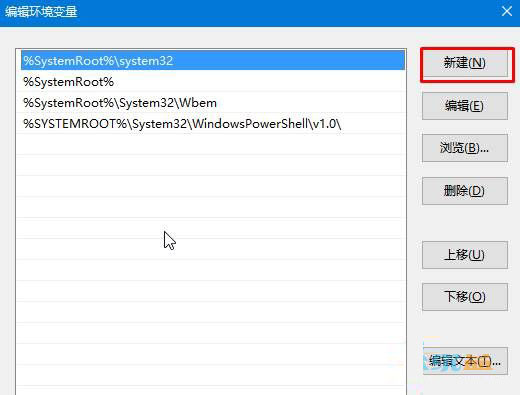
Path,值設為:%USERPROFILE%\AppData\Local\Microsoft\WindowsAppsPath,確保包含以下四條(缺哪補哪,多餘刪除):%SystemRoot%\system32%SystemRoot%%SystemRoot%\System32\Wbem%SYSTEMROOT%\System32\WindowsPowerShell\v1.0\
Windows 10 Build 10147 64 位元專業版自製中文 ISO 系統映像下載 (同 ID 73077 內容補充)
Windows 10 關閉系統通知與應用程式提醒完整設定指南
Win7/8.x 用戶可透過升級安裝 Win10 保留資料,XP/Vista 需重灌
Win10 紅石 1 週年更新確切推送日期曝光:7 月 29 日免費升級倒數計時
Win10 無法輸入中文?重啟 ctfmon、啟用 TextServicesFramework 任務、改用微軟輸入法、複製貼上四大解法
Win10 設定滑動關機:建立 SlideToShutDown.exe 捷徑,滑鼠下拉即關機
Windows 10 Mobile Build 10158 模擬器上手影片:120fps 慢動作攝影、透明磚塊、圓形音量滑桿