虛擬機插入 USB 無反應、BIOS 無 USB 選項,通常是「USB 控制器」未新增/設定不當,或宿主機「VMware USB Arbitration Service」未啟動。
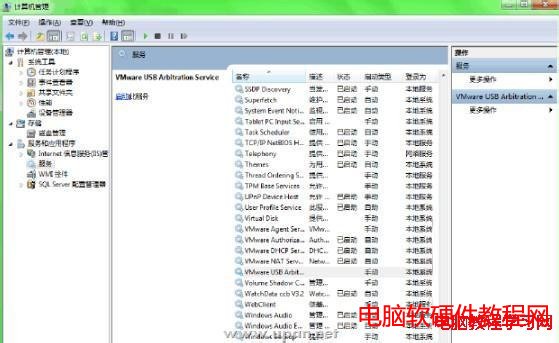

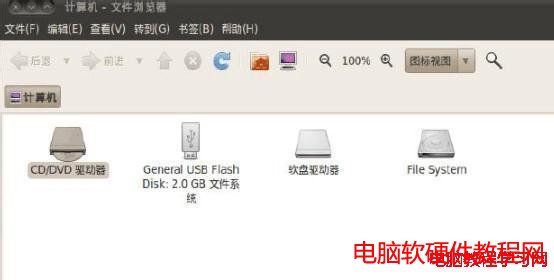
此三步驟解決 99% VMware USB 識別問題,關鍵在「三項全勾」與「仲裁服務啟動」。
WP-T-WAP 在 UC 瀏覽器發文提示「無權限/需 Cookie」解決辦法
Win10 Mobile 10586.104 升級截圖曝光:累積更新修復 Bug 提升效能,為正式推送 WP8.1 做準備
Win10 Build 9860 升級操作流程:僅能透過 Modern 介面「更新與復原」→「預覽版本」→「立即檢查」取得
【影片】Win10 Mobile Build 10080 上手體驗:Bug 多、死機頻繁,暫不建議主力機安裝
Win10 另類升級技巧:複製 $Windows.~BT 到非系統盤運行 setupprep 安裝
Win10 週年更新 14352 Edge 瀏覽器新增支援 H.264/AVC 視訊標準,奠定 WebRTC 即時通訊基礎
Windows 無法開啟「新增/移除程式」?重新註冊 DLL 修復教學
Win7 開機顯示 CLIENT MAC ADDR 等待超久?關閉網卡 PXE 啟動 / BIOS 禁用 Onboard LAN Boot ROM 秒解決