雨竹林科技發布 Build 7955 漢化步驟:
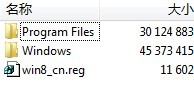
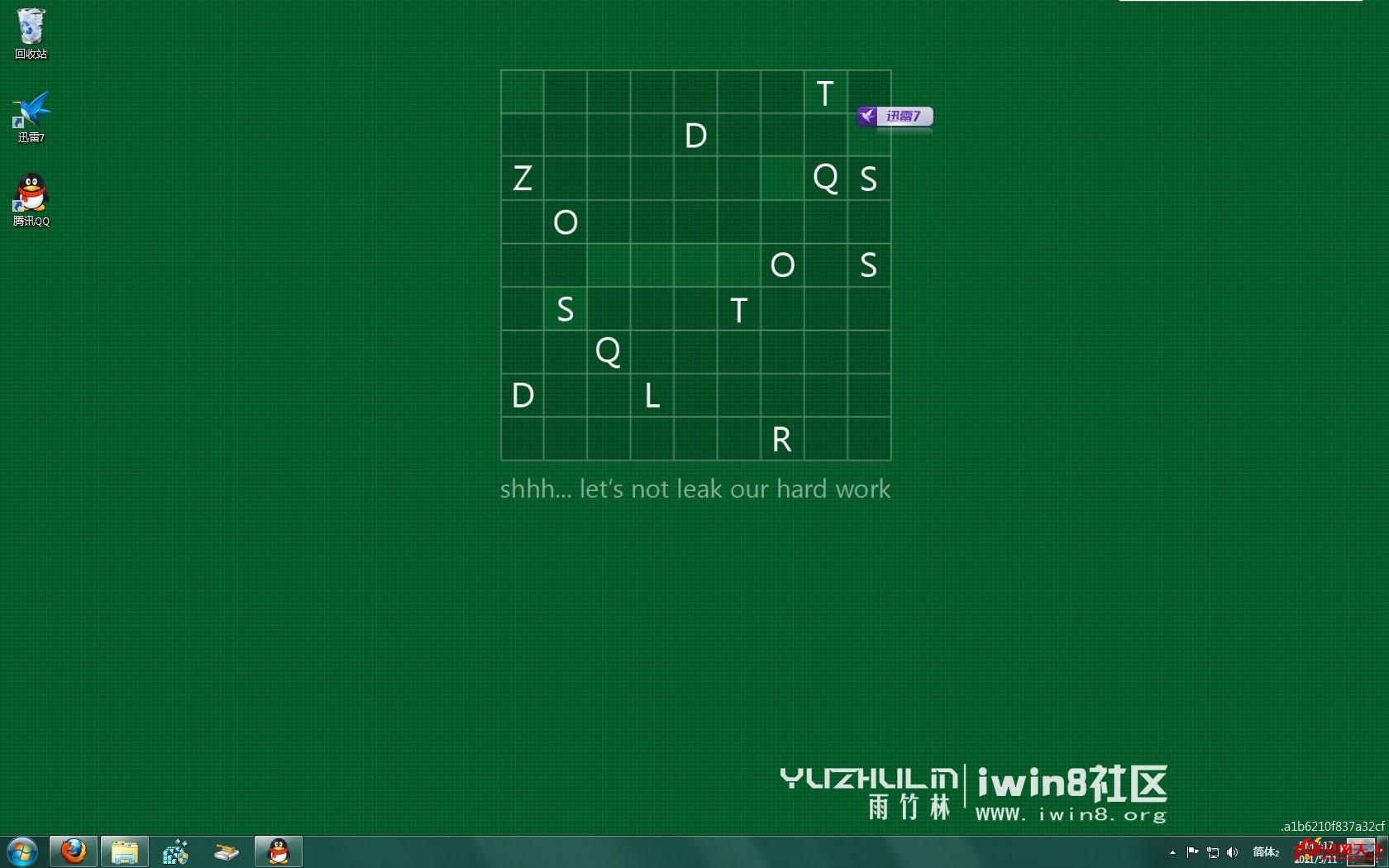
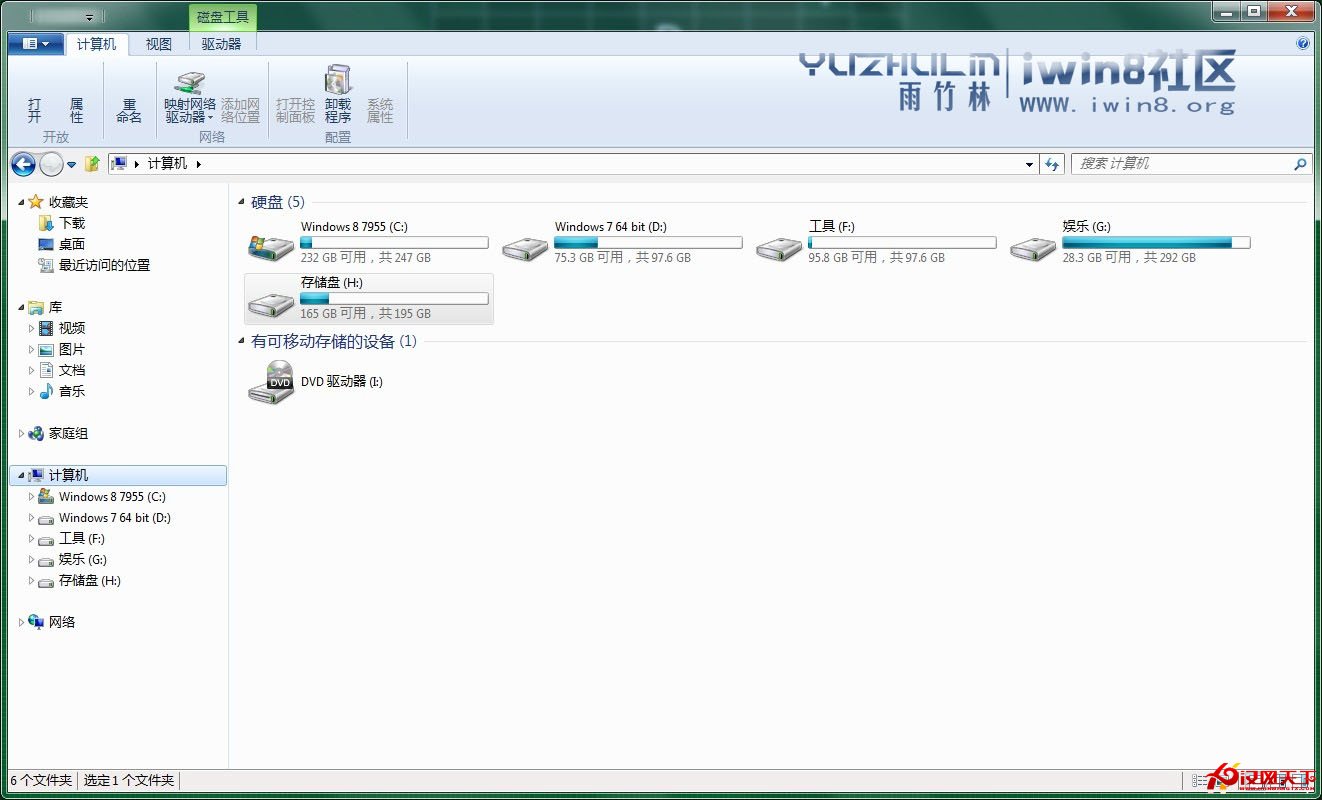
漢化後內部版本號浮水印消失,介面完整中文化。附解壓檔案結構圖與中文化後截圖。更多版本下載見 iwin8.org。
解壓檔案結構
駁 Win8 銷量不佳論:Windows 8 押注的是未來,非當季銷售
Win8 新手打造個性化桌面全攻略:分屏多工、主題色、動態頭像、工作列深度調校
Windows 8 磁貼快取自動清除設定:保護隱私防止資訊洩露
Win8「說明員」功能:啟動、關閉與徹底停用完整教學
Win8 正版授權方式全解析:OEM、VL、ESD、GGS 怎麼選?
Windows 8.1 應用商店突破 16 萬款應用,新版商店上線加速審核
USB 隨身碟安裝 Windows 8.1 完整圖文教學:UEFI/BIOS 相容、ISO 原版安裝、分區技巧
Windows 10 檔案總管左側導覽列出現雙重 USB 圖示?登錄刪除 DelegateFolders 機碼修復