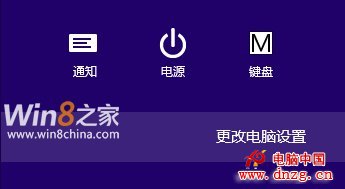
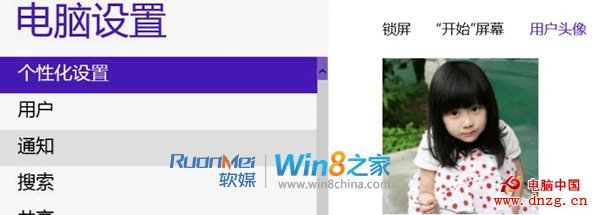
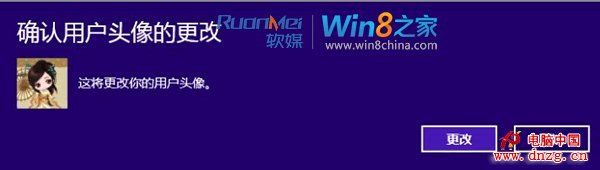
Win8 突破傳統靜態大頭貼限制,支援拍攝短影片作為使用者圖片。操作簡單:
影片大頭貼實為 .accountpicture-ms 檔案,位於:
.accountpicture-ms
C:\Users\<用戶名>\AppData\Roaming\Microsoft\Windows\AccountPictures\
雙擊即可套用,直接複製檔案傳給好友,雙方即可共用同款動態大頭貼。
Win8 讓個人化更生動、分享更輕鬆。
記憶體異常故障六大類型與解決方案:從接觸不良到病毒修改 CMOS 完整排查
Win8 介面通知對話框顯示時間靈活調整:從 5 秒延長至 5 分鐘完整圖解
Windows 8 將網站與應用釘選到開始畫面:IE10 一鍵釘選網站、所有應用右鍵釘選、桌面程式同樣支援、取消釘選同樣簡單
Windows 8.1 磁貼分組與尺寸調整新功能詳解
IE11 觸控體驗大躍進:模擬滑鼠懸停、連結高亮、手勢前進後退、HTML5 拖放
如何查看 Windows 8 Metro 應用程式佔用的磁碟空間
Win10 桌面顯示「網路」圖示設定教程:一鍵呼叫網路設定
Win8 怎麼裝?官方升級助手幾步搞定完整教學