Windows XP Windows 7 Windows 2003 Windows Vista Windows 綜合教學 Linux 系統教學
Windows 10 Windows 8 Windows 2008 Windows NT Windows Server 電腦軟體教學

Win10 修改螢幕通知顯示位置:註冊表讓通知從右上角移至右下角

編輯:Win8 常見問題解答

Windows 10 Build 9879 允許透過註冊表調整 Toast 通知顯示位置,預設右上角可改為右下角,符合傳統習慣。

修改步驟

  1. Win+R 輸入 regedit。
  2. 定位至:
    HKEY_CURRENT_USER\Software\Microsoft\Windows\CurrentVersion\Explorer
  3. 右鍵新建 DWORD 值 命名 DisplayToastAtBottom,數值設為 1。
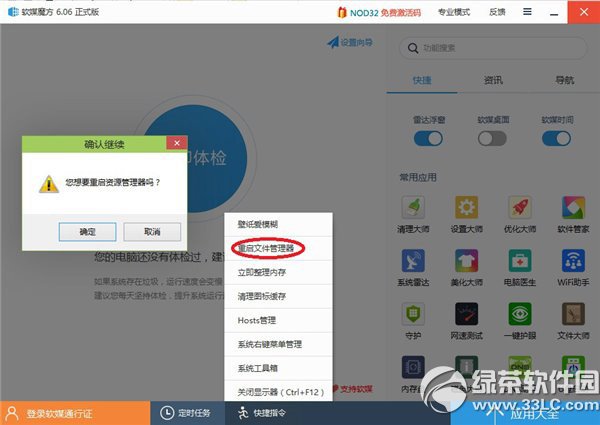
  4. 登出或重啟 explorer.exe(任務管理員→檔案→執行新工作→輸入 explorer.exe→勾系統管理員權限),通知即顯示於右下角。

還原預設

將 DisplayToastAtBottom 改為 0 並重啟 explorer.exe 即可恢復右上角。

Copyright © Windows教程網 All Rights Reserved