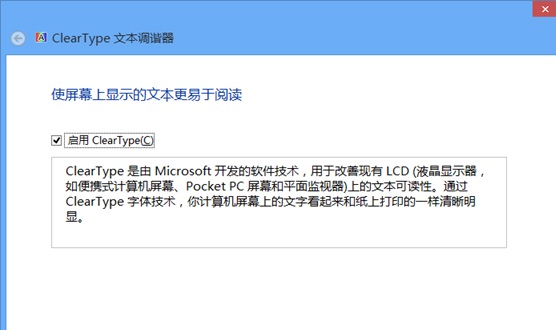
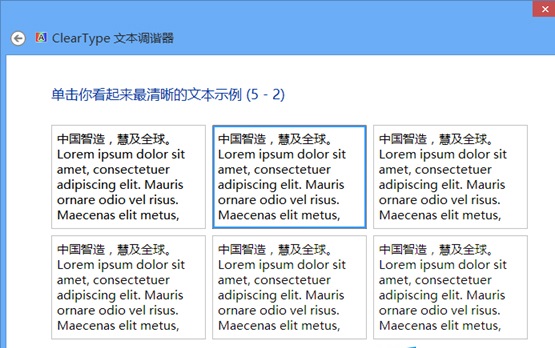
Windows 8 ClearType 文字微調工具調整後若顯示效果變差,可透過登錄重置為預設值。需清除顯示器專屬微調資料並還原字型平滑參數。
HKEY_CURRENT_USER\Software\Microsoft\Avalon.Graphics,每個顯示器對應一個 DISPLAY1、DISPLAY2... 機碼。進入各機碼,刪除右側所有值(保留「預設」值)。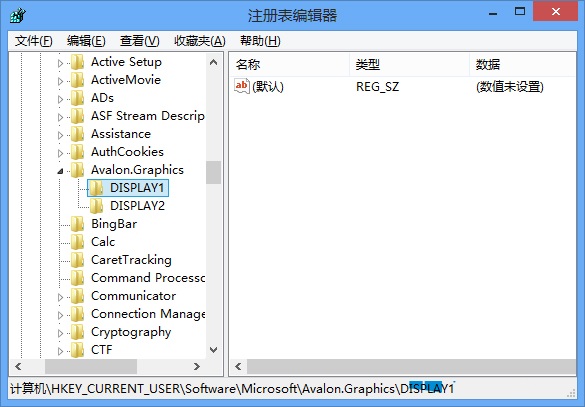
HKEY_CURRENT_USER\Control Panel\Desktop,找到四個 FontSmoothing 開頭的值,依序設為:FontSmoothing=2FontSmoothingOrientation=0FontSmoothingType=1FontSmoothingGamma=2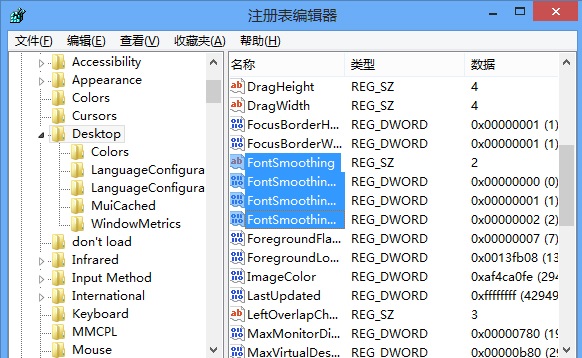
此法適用於過度微調導致字型發虛、鋸齒明顯等情況,徹底重置比重新微調更精確。