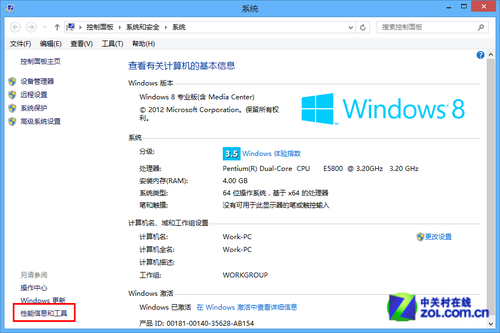
Windows 體驗指數 (WEI) 自 Vista 起提供硬體效能評分,Windows 8.1 移除介面但保留底層評估工具,Windows 10 仍可透過命令執行評分並查看結果。
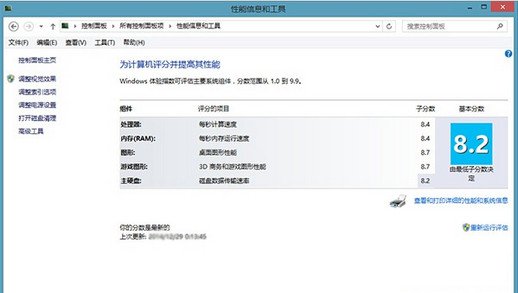
\Windows\Performance\WinSAT\DataStore (XML 格式) 或 \Windows\Performance\WinSAT\winsat.log (文字格式)。winsat.log,從底部向上搜尋 > Wrote CRS score to the registry 開頭的行,即可看到總分與五大子項分數(處理器、記憶體、圖形、遊戲圖形、主儲存裝置)。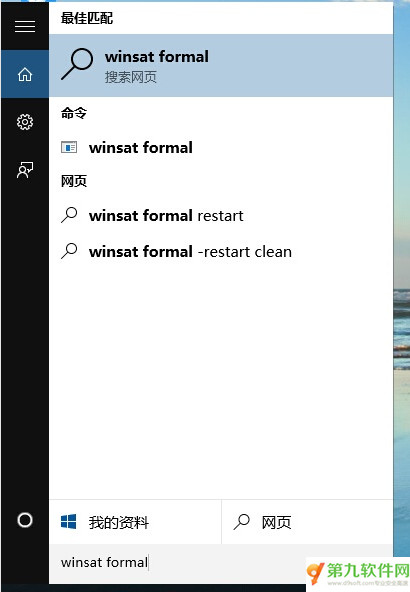
winsat formal,選擇「命令列」執行。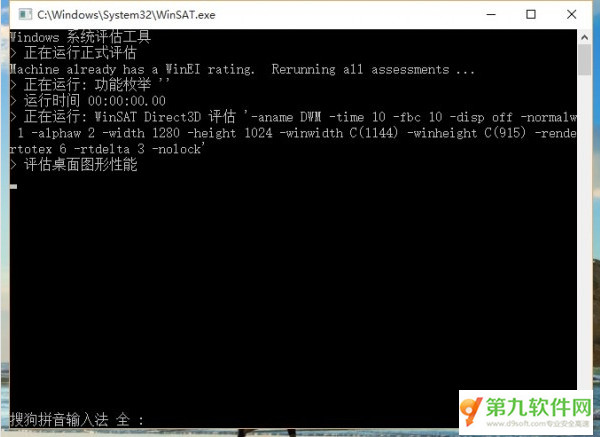
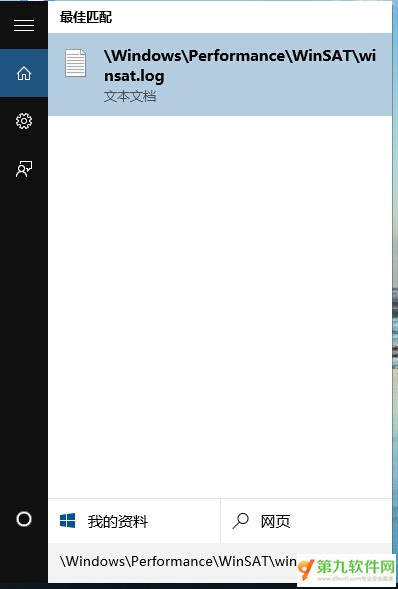
winsat.log 獲取最新分數。免費小工具 ExperienceIndexOK (僅 48KB),解壓執行即可圖形化顯示 WEI 分數,適合不習慣指令操作的使用者。