Windows 10 TH2 (Threshold 2) 10525 版本帶來「壓縮儲存」等新功能。升級前需確認四大條件,避免升級失敗或授權問題。
四大升級須知
- 已加入 Windows Insider 且正在運行 Insider Preview:
直接「設定」→「更新與安全性」→「Windows Update」檢查更新即可獲取 TH2 Preview。
- 已加入 Insider 但目前運行 Win 7/8.1:
需曲折升級:先升級至 Win 10 RTM (10240) → 再透過 Windows Update 升級至 TH2 Preview。
不可直接從 Win 7/8.1 升級至 Insider Preview 版本。
- 裝置必須曾經激活過正版 Windows 10:
無論升級安裝或乾淨安裝 TH2 Preview,裝置在安裝前必須已激活過 Win 10 (數位授權綁定硬體)。
未激活過 Win 10 的裝置無法獲得 TH2 Preview 授權。
- 滿足上述條件者,升級/乾淨安裝無需輸入產品金鑰:
系統自動連線微軟授權伺服器辨識硬體 ID (數位授權) 完成激活。
若提示輸入金鑰,表示授權辨識失敗,需檢查網路/授權狀態。
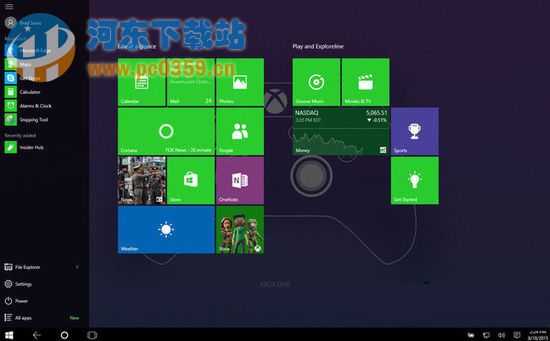
新功能亮點:壓縮儲存
- 記憶體壓力大時,將未使用頁面壓縮保留在記憶體而非寫入磁碟分頁檔。
- 降低每進程記憶體佔用,提升多工效能、應用回應速度。
- 對 SSD 壽命有益 (減少寫入)。
建議
- 正式用戶請等待 TH2 正式版 (1511, 10586) 推送,無需加入 Insider 即可透過 Windows Update 免費升級。
- Insider 用戶升級前請備份重要資料,預覽版可能不穩定。