Windows XP Windows 7 Windows 2003 Windows Vista Windows 綜合教學 Linux 系統教學
Windows 10 Windows 8 Windows 2008 Windows NT Windows Server 電腦軟體教學

Win8 開機跳過 Metro 直進桌面:修改登錄表 Shell 鍵值雙 explorer.exe

編輯:Win8 系統應用技巧

Win8 預設開機進 Metro 介面,PC 用戶多需在桌面操作。系統無內建選項,需修改登錄表實現開機直進桌面。

操作步驟

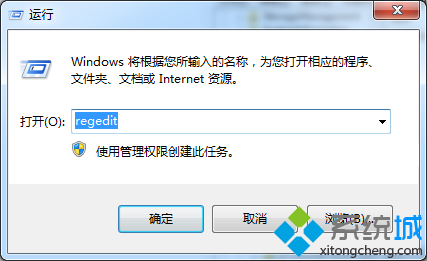
  1. Win+R → regedit 開啟登錄表編輯器
  2. 定位 HKEY_LOCAL_MACHINE\SOFTWARE\Microsoft\Windows NT\CurrentVersion\Winlogon
  3. 找右側 Shell 鍵值,預設資料為 explorer.exe
  4. 修改為 explorer.exe, explorer.exe(雙 explorer.exe 以逗號分隔)
  5. 確定儲存 → 重開機即預設進入桌面模式

恢復預設

將 Shell 鍵值改回 explorer.exe 即可恢復開機進 Metro 介面。
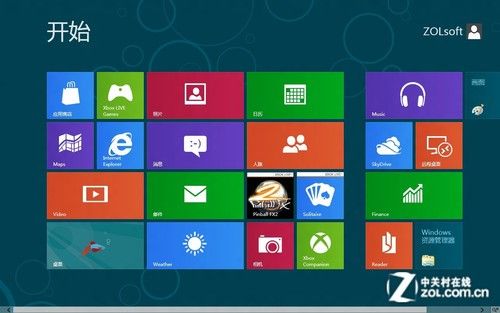
開機直進桌面

開機跳過 Win8 介面直接進入桌面模式

原文:https://soft.zol.com.cn/338/3389342.html

Copyright © Windows教程網 All Rights Reserved