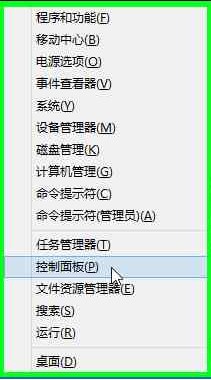
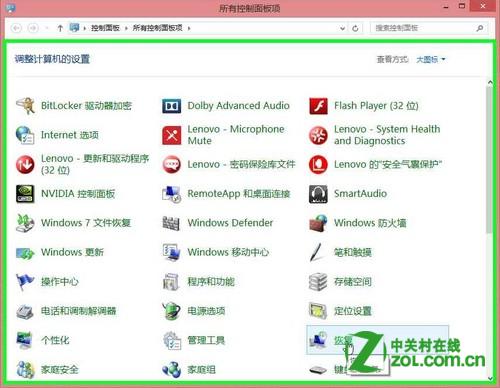
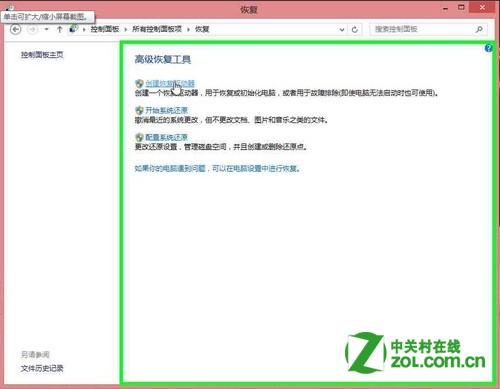
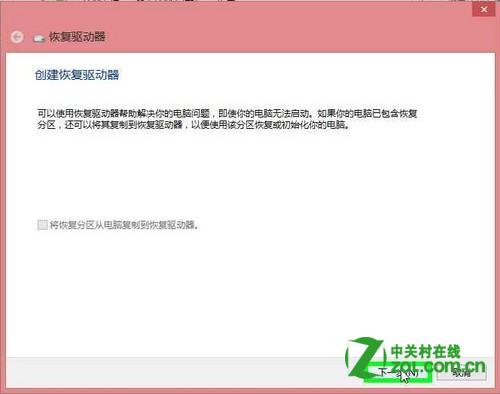
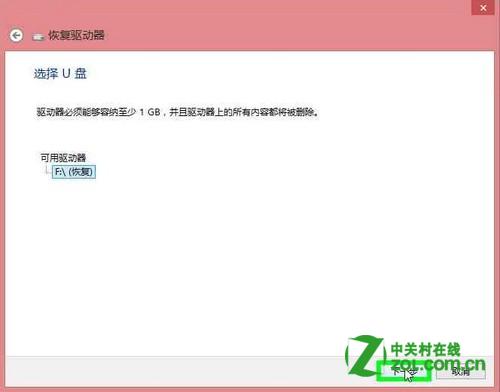
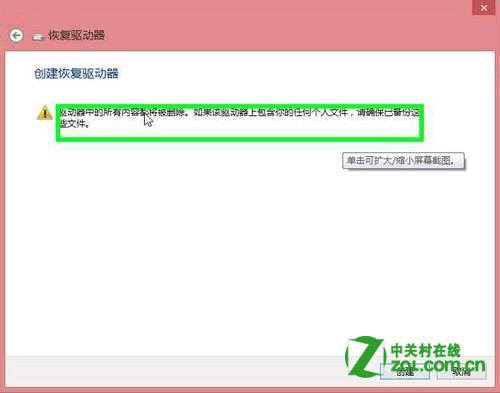
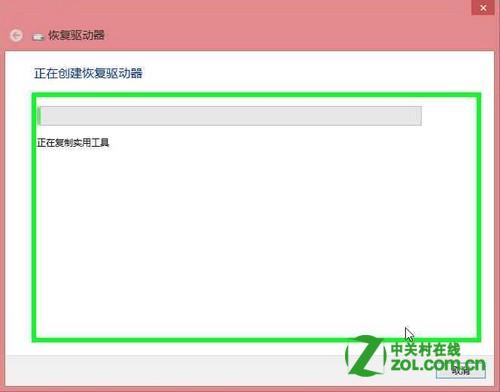
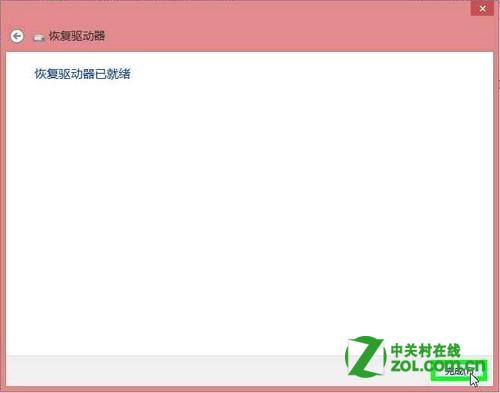
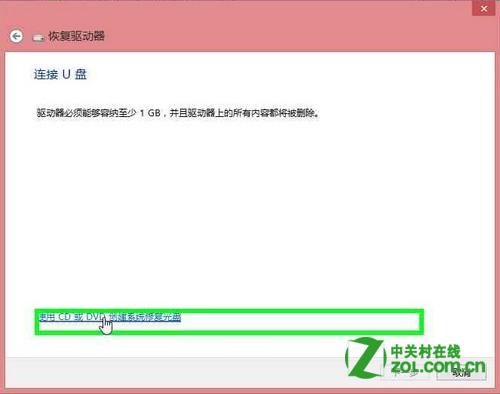
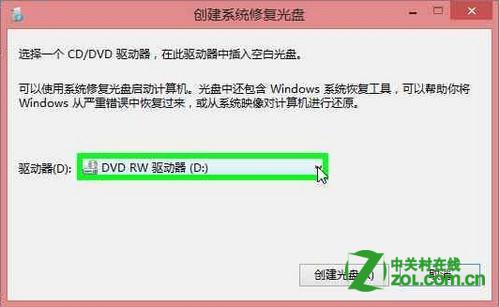
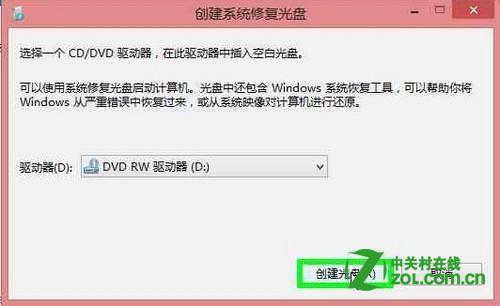
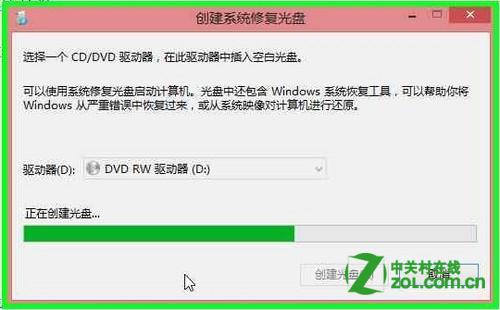
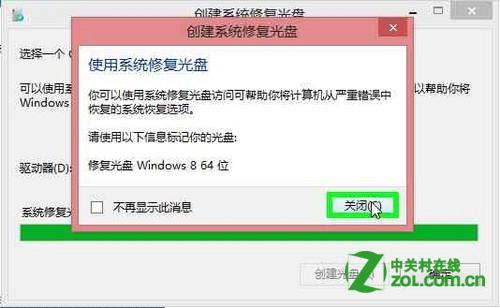
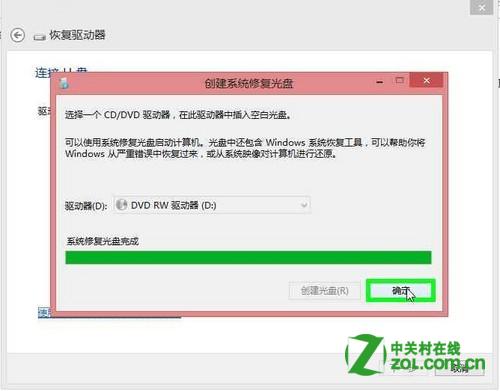
Win8 內建「建立修復磁碟機」功能,支援 USB 與光碟兩種媒體,備妥一組可在系統嚴重損壞時救援。
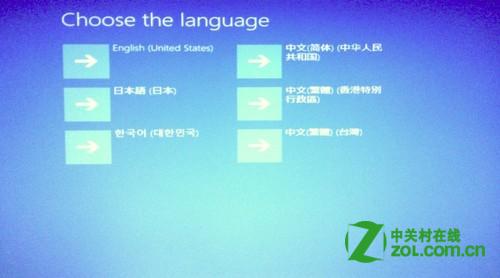
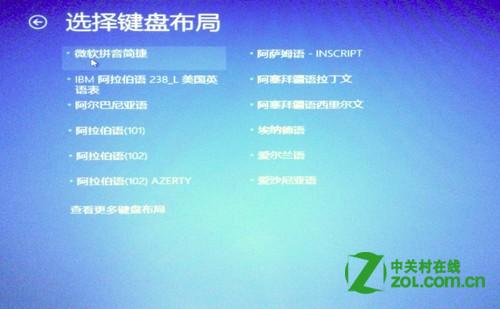
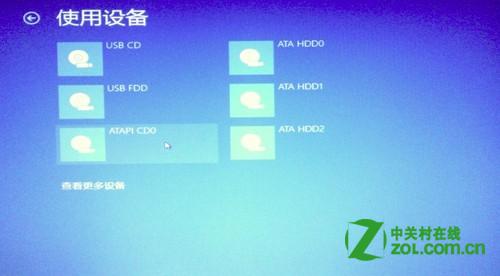
開機以建立好的媒體引導 → 依提示執行系統修復/還原
Win8.1 IE 瀏覽器移除超連結底線:網際網路選項 → 進階 → 為連結加底線 → 從不
Win8.1 超級按鈕「分享」完整應用:分享檔案、連結、修改分享設定
關閉 Windows 8.1 免費更新通知:群組原則法與登錄法雙管齊下
Windows 8 磁碟機代號消失不見?一鍵恢復分區代號教學
Windows 8 開始畫面應用程式重新命名與排序技巧
Win8 桌面水印移除:消費者預覽版專用工具與手動替換 shell32.dll.mui
Win8 關閉瀏覽器不彈出警告視窗?IE 設定啟用「關閉多個索引標籤時發出警告」
Windows 8 瀏覽器相容性抽測:360極速、Firefox、財貓省錢瀏覽器