Windows 8 用戶可透過 Windows Store 線上升級,或使用 ISO 離線安裝 Windows 8.1 Preview。兩種方式適用情境不同,操作流程如下:
管道一:Windows Store 線上升級(適用一般零售版/核心版 Win 8)
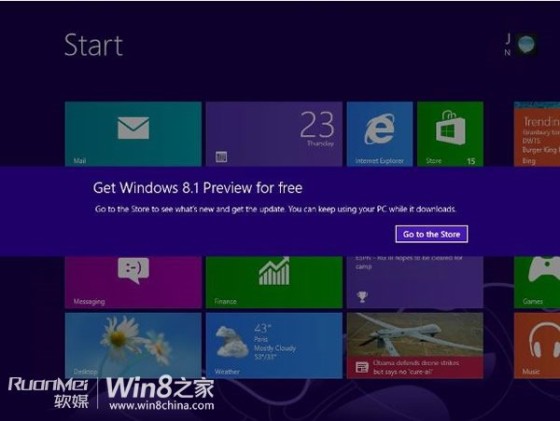
- 收到 Windows Update 通知 → 點擊進入 Windows Store 的 Windows 8.1 Preview 頁面。
- 點擊「下載」,過程類似應用程式更新,期間可取消。
- 下載完成提示重新開機,倒數計時自動重啟。
- 進入 Windows 安裝介面 → 接受授權條款。
- OOBE 初始設定(個人化、帳戶、同步設定等,與 Win 8 安裝後設定相同)。
- 登入桌面,升級完成。
管道二:ISO 離線安裝(適用企業版、語言不在支援清單內的用戶)
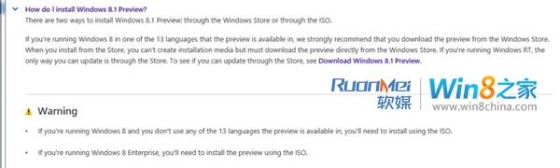
- Win 8 企業版用戶必須使用 ISO 安裝,無法透過 Store 升級。
- 目前系統語言不在預覽版支援的 13 種語言(含簡/繁中文)者,亦需用 ISO 全新安裝,且無法保留應用與設定,僅保留個人檔案。
注意:升級前請完整備份重要資料,並確認硬體相容性。