Windows 8 透過控制台調整 Windows Update 設定:自動/手動安裝、建議更新處理、維護時段等。
設定路徑
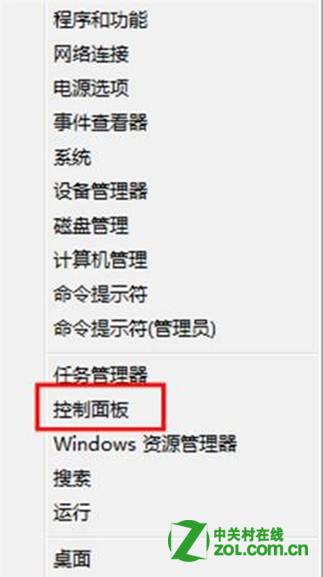
- Win+X → 「控制台」。
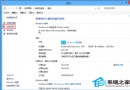
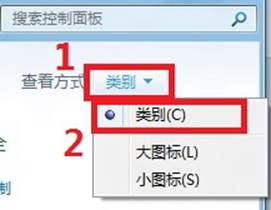
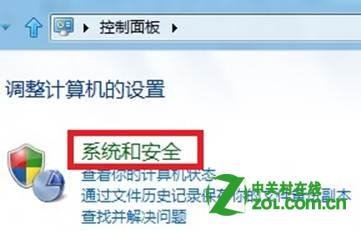
- 右上角「檢視方式」選「類別」→「系統與安全性」。
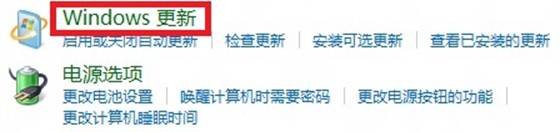
- 點擊「Windows Update」。
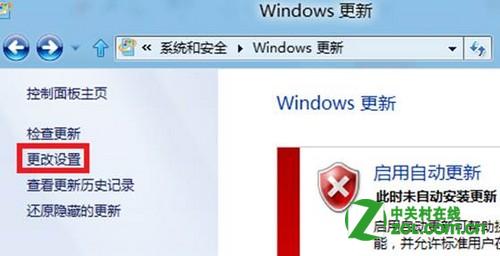
- 左側點擊「變更設定」。
- 依需求調整:重要更新 (自動/下載讓我選擇/檢查讓我選擇/從不)、建議更新 (同重要更新/不接收)、維護時段 (自動維護時間)、Microsoft Update (其他 Microsoft 產品更新)。
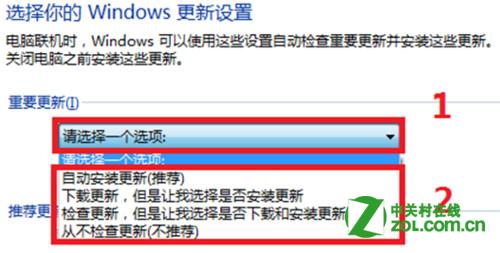
建議保持「自動安裝更新 (建議)」並啟用建議更新同步安裝,維護時段設為非使用時間 (預設凌晨 3 點)。