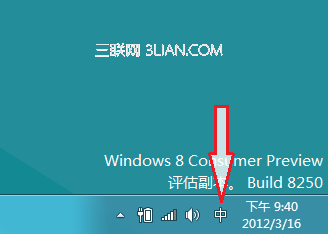
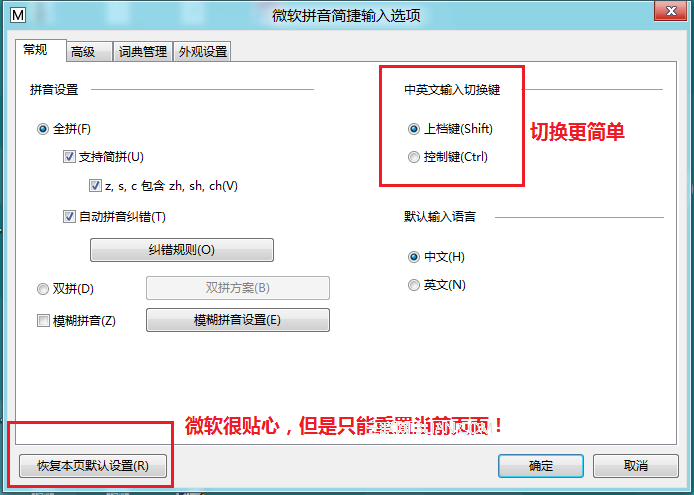
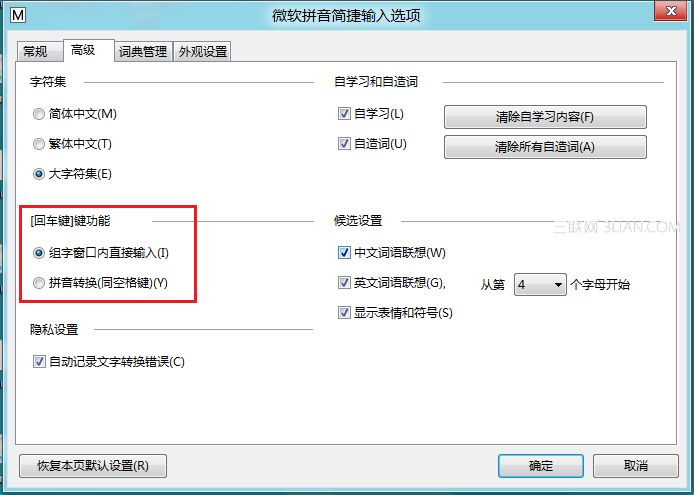
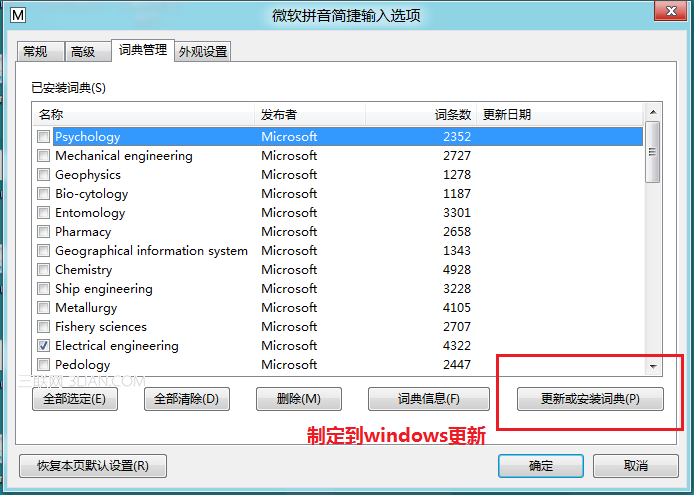
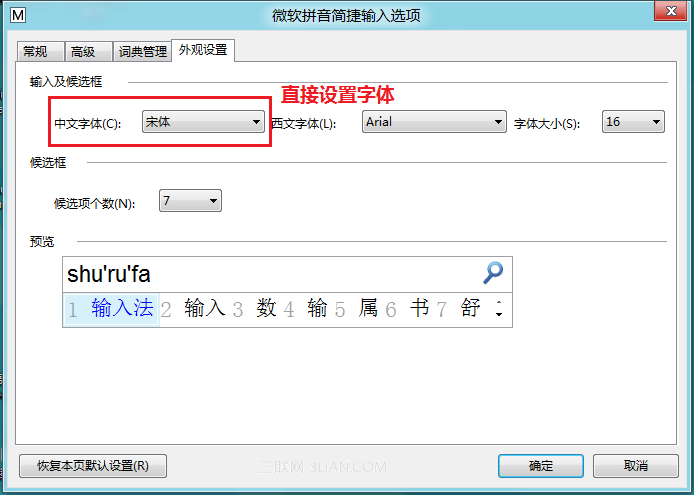
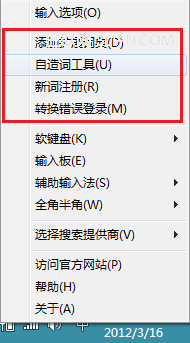
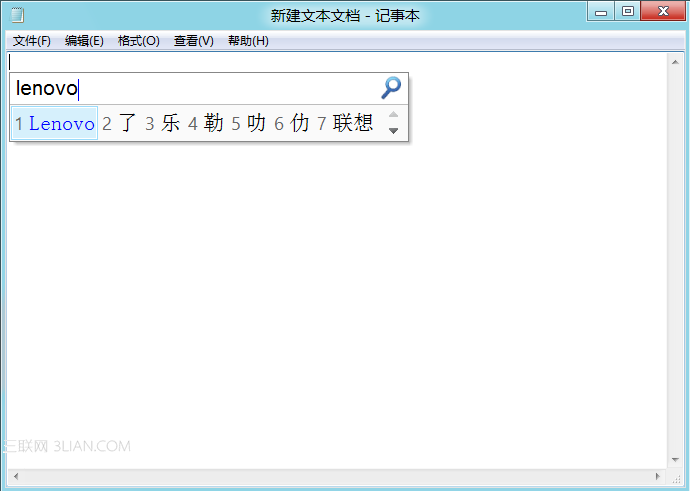
Windows 8 內建全新微軟拼音輸入法,在實用性與體驗上令人耳目一新,強大舒適是其最佳註腳。輸入法圖示移至通知區域,右鍵可快速進入設定。
微軟拼音的流暢度與個人化設定雖非微軟原創,但憑藉專業整合能力將此功能推向新高度。
Windows 8.1 磁碟使用率 100% 解決方案:停用 IPv6 與停止相關服務
Windows 8 開始畫面應用管理技巧:檢視、釘選、解除釘選、分組
Windows 8 SkyDrive 應用體驗:新建資料夾、上傳下載管理、檔案線上預覽
Win8 安裝驅動程式後如何還原(回滾驅動程式)
Win8 設定電源鍵「不執行任何動作」,防止誤觸關機造成資料遺失
Win8.1 光碟安裝教學:從 BIOS 開機到完成安裝完整圖文 19 步驟
Windows 8.1 升級錯誤 0x80004005 解決方案:註冊 DLL 檔案修復 HTTPS 連線
Win8 寬帶撥號錯誤 638 原因分析:網卡故障或接觸不良,硬體檢查為主