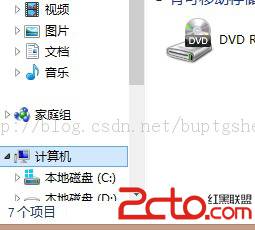
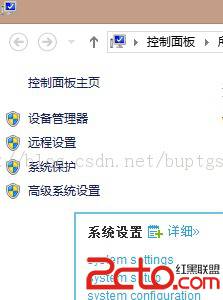
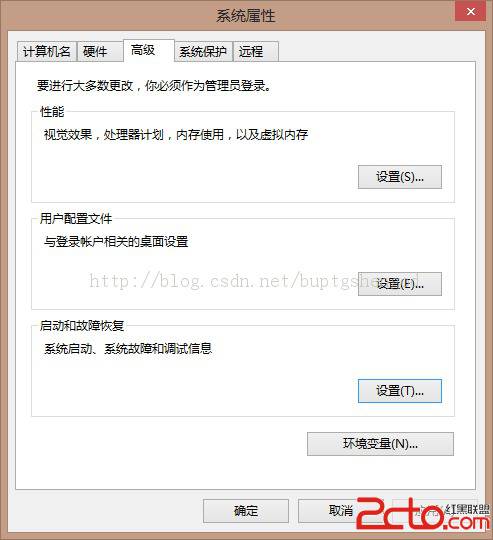
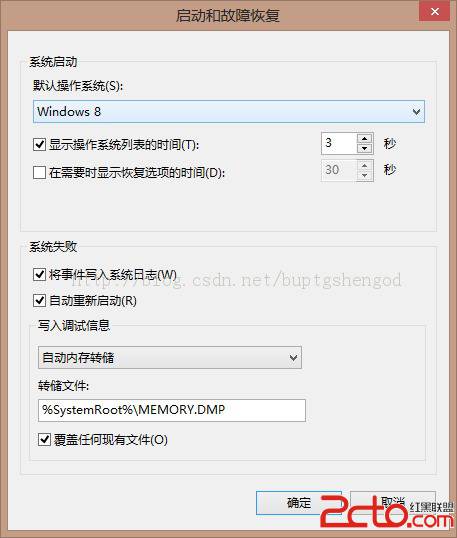
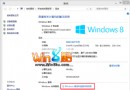
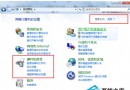
在已安裝多重開機的環境中,更改預設啟動系統步驟如下:
此法適用於 Windows 8 及相容的多重開機環境。
Win 8 程式相容性問題解決:疑難排解精靈與手動相容模式設定
Win8 CP 版 Metro QQ 卡死官方解決辦法:帳號改英數或用 MSN 登入
Windows 8 螢幕截圖自動儲存至桌面:修改登錄檔 ScreenshotIndex 變更預設存放位置
Win8 查看 Windows Update 修補程式安裝歷程記錄教學
Win8 取消密碼明文顯示 (眼睛圖示) 功能:群組原則啟用「不顯示密碼顯示按鈕」 (全域/IE 專用)
Win8 VPN 連線完整設定教學:建立、連線、常見錯誤排除
Windows 8 系統設定工具 完整介面介紹:開機/服務/啟動/工具索引標籤
Win8 修改 hosts 檔案權限不足?管理員命令提示字元啟動記事本一鍵解決