1. 設定刪除檔案時顯示確認對話方塊
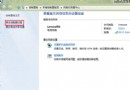
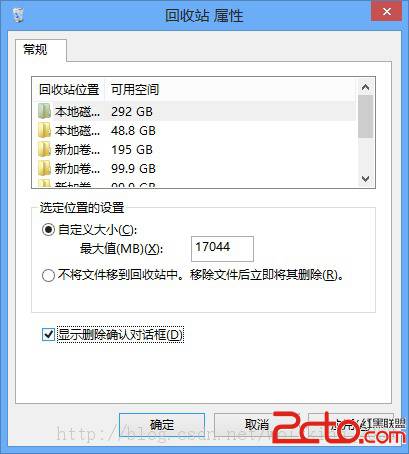
Windows 8 預設不提示。設定方法:右鍵「資源回收筒」→「內容」→ 勾選「顯示刪除確認對話方塊」。
2. 刪除舊版 Windows 安裝檔案(Windows.old 資料夾)
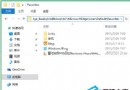
重裝系統未格式化系統盤時,舊系統檔案會存放在 C:\Windows.old,直接刪除常因權限問題失敗。正確方法:使用內建「磁碟清理工具」。
- 開啟「磁碟清理」(搜尋「磁碟清理」或右鍵系統盤 →「內容」→「磁碟清理」)。
- 選擇系統盤 → 確定。
- 點擊「清理系統檔案」 → 再次選擇系統盤 → 確定。
- 勾選「舊版 Windows 安裝」及其他欲刪除項目 → 確定 → 「刪除檔案」。
此法可徹底移除 Windows.old 釋放大量硬碟空間。