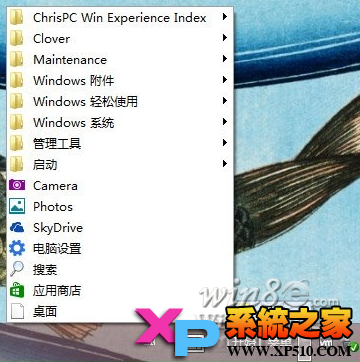
問題現象
Y400/Y500 等預裝 Win8 筆電,OneKey Theater 一鍵影音圖示從工作列隱藏後找不到恢復入口。
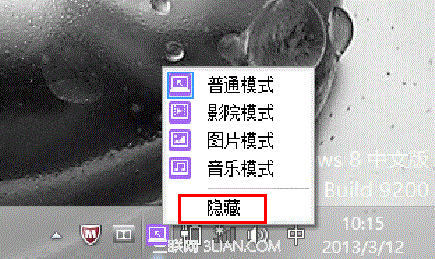
恢復方法
方法一:開始畫面直接啟動(最快)
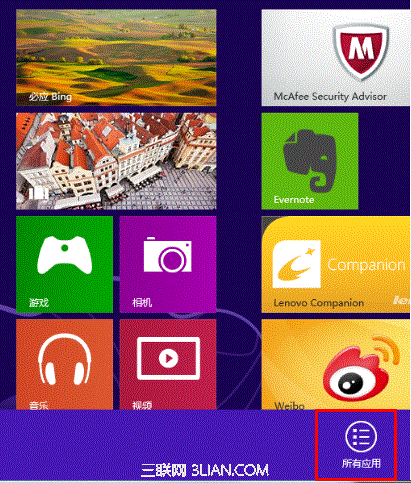
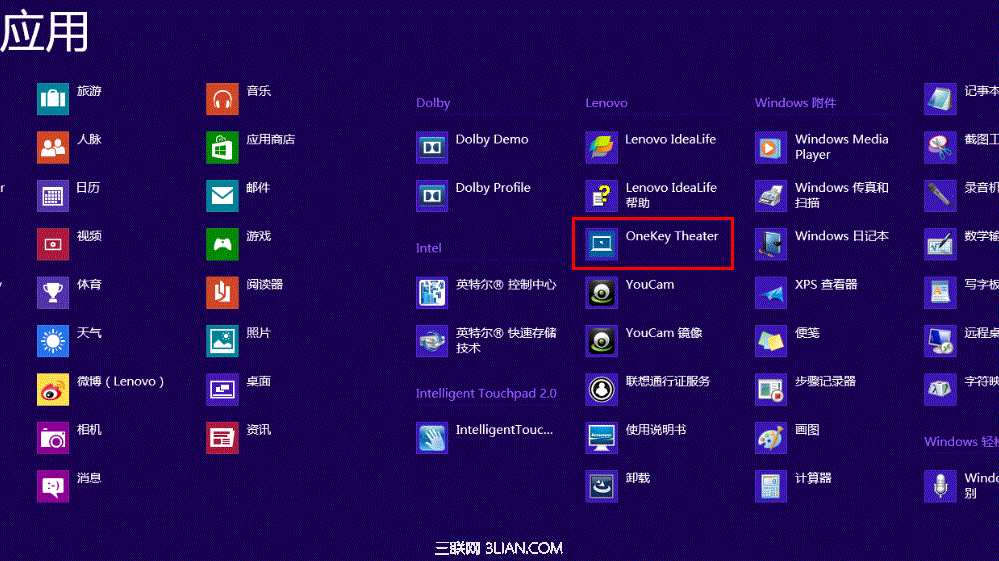
- 開始畫面點選「OneKey Theater」磚即可恢復工作列圖示。
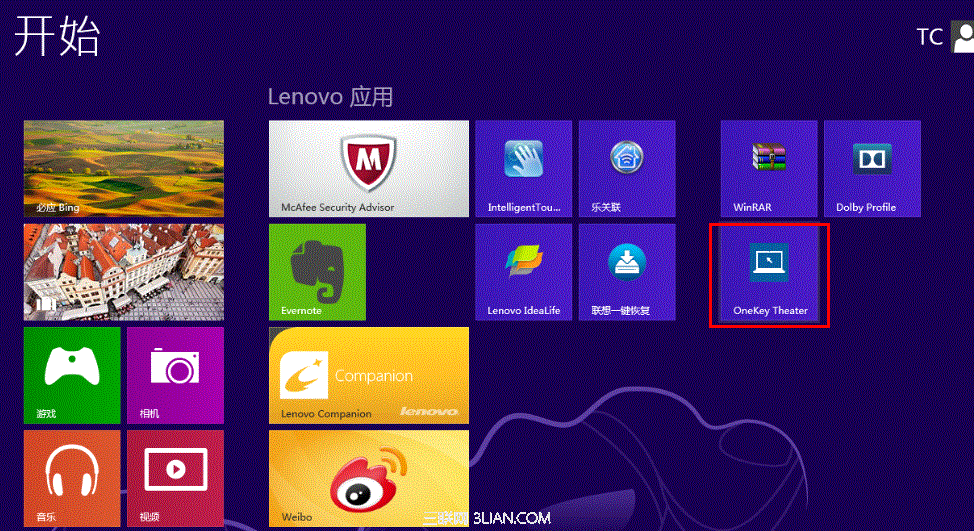
- 若無磚:開始畫面右鍵 →「所有應用程式」→ 找到「OneKey Theater」點選。
方法二:控制台修復安裝
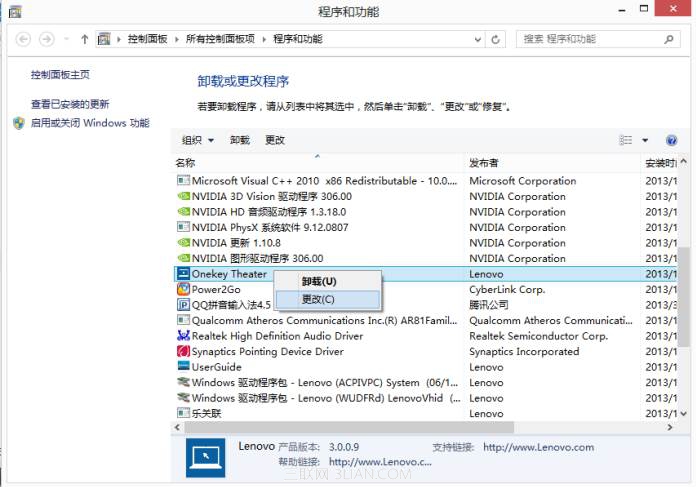
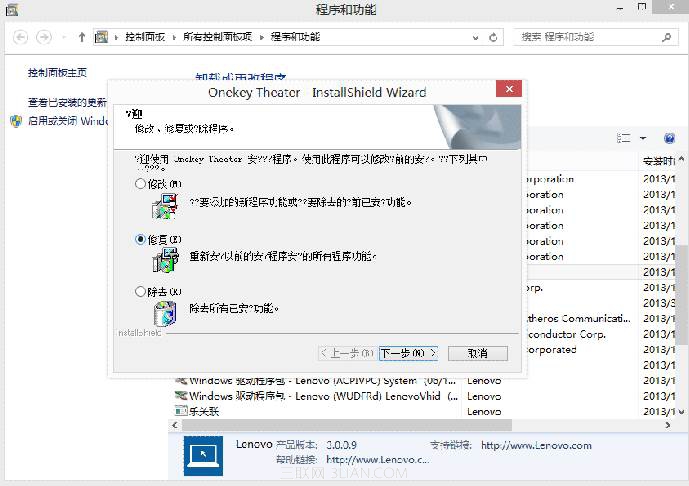
- 控制台 →「程式和功能」→ 找到「OneKey Theater」→ 右鍵 →「修復」。
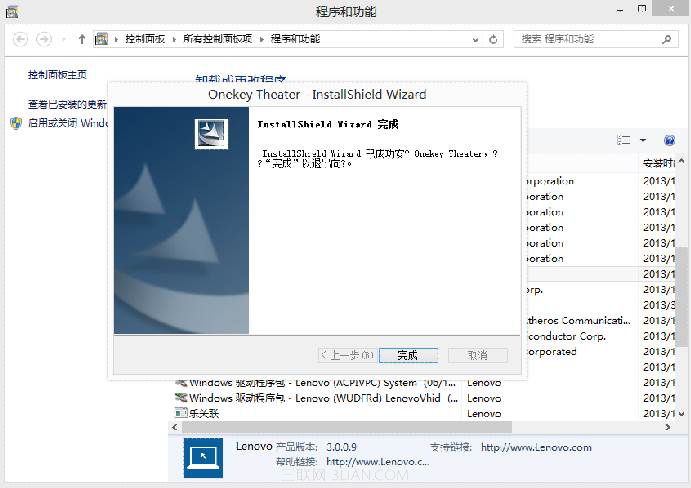
方法三:重新安裝
- D 槽
Drivers\OneKey Theater 目錄執行安裝程式(出廠預裝驅動備份)。
- 或聯想官網支援頁面下載對應系統版本安裝包。
適用機型
聯想 Y400、Y500 等預裝 Win8 筆電,其他廠商類似預裝媒體應用同理。