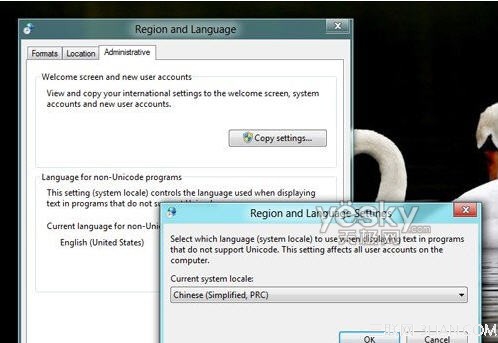
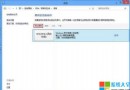
Windows 8 開發者預覽版安裝中文軟體顯示亂碼。解決方法:控制台 → 「區域」→「位置」設為「China」;「系統管理」→「非 Unicode 程式的語言」設為「Chinese (Simplified, PRC)」→ 重開機。
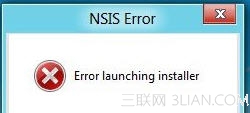
中文軟體亂碼示例
區域與語言設定修正畫面
修正系統預設非 Unicode 程式語言環境,徹底消除中文軟體亂碼。
Windows 8 高效辦公應用推薦:Evernote、Lync、郵件行事曆人脈全方位整合
Win8 系統如何將第三方瀏覽器設為預設?圖文詳解控制面板操作路徑
Windows 8 清理垃圾後應用程式商店無法開啟解決:複製 Administrator AppData 資料夾
Win8收藏夾位置在哪?快速定位IE我的最愛資料夾
Win8.1 應用程式商店無法開啟/連線失敗:四大修復方案
Cloudsto X86 Nano PC 評測:內建電池、可當行動電源的 Win8.1 掌上電腦
驅動精靈 2013 正式版:全面支援 Windows 8 消費者預覽版
Win8 批次檔一鍵清理系統暫存檔:免安裝第三方軟體