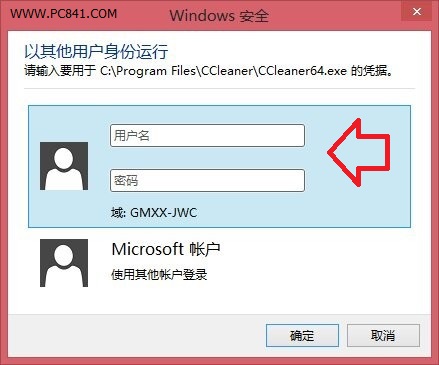
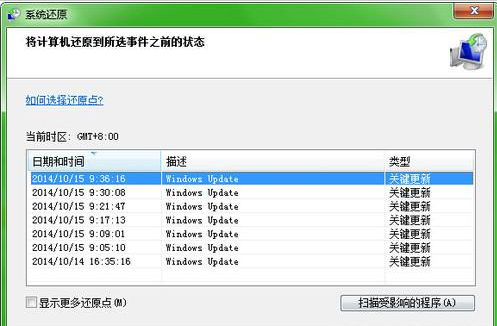
亦可在「設定」→「變更電腦設定」→「帳號」→「其他帳號」管理多使用者。適合家庭共用電腦,各用戶擁有獨立設定檔,無需重開機即可快速切換。
Win8.1 關閉自動更新:控制面板→系統和安全→Windows Update→啟用或關閉自動更新→選「從不檢查更新」
預裝 Win8 筆電無法安裝 Win7?BIOS 關閉 Secure Boot 與 UEFI/Legacy 設定
Win8 如何使用遠端桌面功能?系統屬性→遠端→勾選「允許遠端連線」與「僅允許網路層級驗證」
Win8 關機後自動重開機?罪魁禍首是「快速啟動」,三招徹底解決
Win8 如何關閉顯示卡硬體加速?登錄修改 Acceleration.Level 完全停用
Win8/8.1 刪除資料夾權限不足?兩種方法取得最高權限:安全性標籤法與右鍵選單註冊表法
運行 Windows 8 的基本硬體與硬碟需求規格
Win8.1 安裝 QQ 提示「安裝路徑無效」?更改路徑或以管理員身分執行