Win8 照片批次重命名技巧:無需第三方工具
Windows 8 電源計畫進階設定:自訂方案延長筆電待機續航力
Win8 設定 USB 隨拔隨用,免去「安全移除」麻煩
Windows 8 無法開機時如何進入安全模式?製造啟動失敗觸發自動修復
Windows 8.1 開始按鈕操作詳解:位置、行為、所有應用檢視、直進桌面、同步背景
Win8 系統管理工具缺少「本機使用者和群組」?命令列加入 Administrators 群組成為管理員
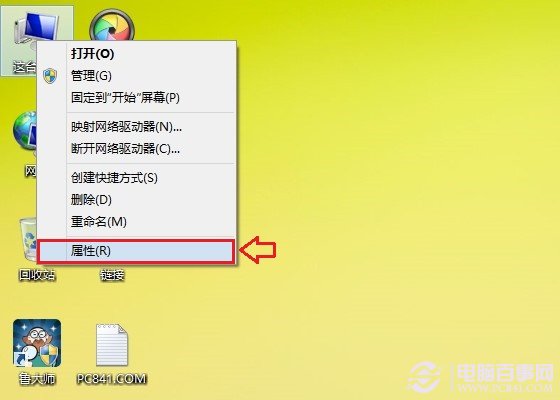
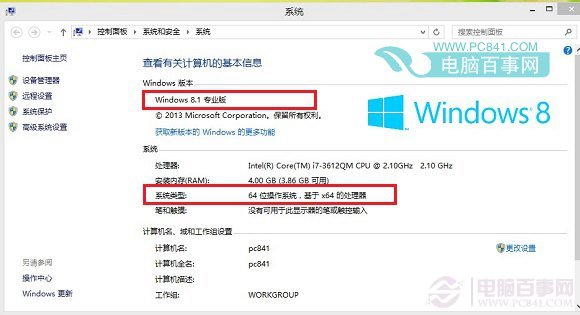
Win8.1 设备管理器在哪?“这台电脑”左侧边栏直接点击
Win8 USB 隨身碟無法安全移除「通用磁碟區」?五招教你解決