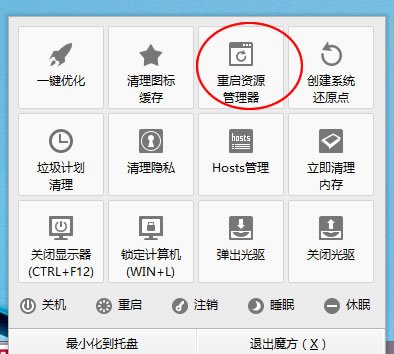
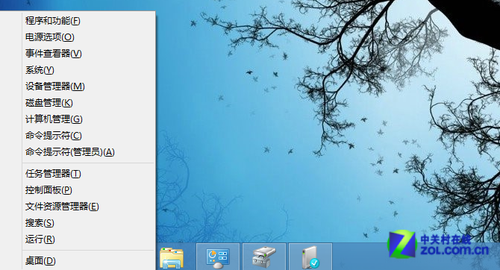
桌面圖示卡住動不了,嘗試:
通常取消「自動排列」或重啟總管即可解決。
Win8.1 開始畫面磚塊佈局技巧:打造專屬高效工作區
升級 Windows 8 不丟資料完整教學
Windows 8 VPN 連線後顯示「受限」解決方案:取消遠端預設閘道
Windows 8.1 IE10/11 移除超連結底線:Internet 選項 → 進階 → 「為連結加底線」設為「永不」
Windows 8 常用快捷鍵與操作技巧大全
Windows 8 虛擬無線熱點(託管網路)建立與自動啟動批次檔教學
Win8 右鍵資源管理器/檔案總管就重啟?ShellExView 禁用衝突擴充功能徹底根治
Win8 修改輸入法切換順序與熱鍵:新增英文語言移至最上層技巧