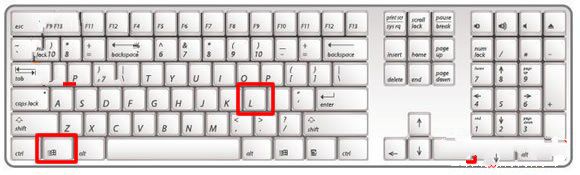
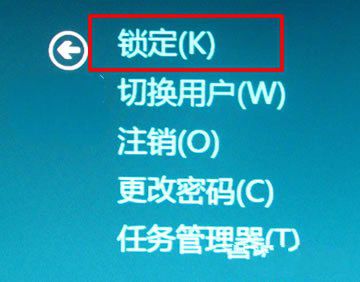
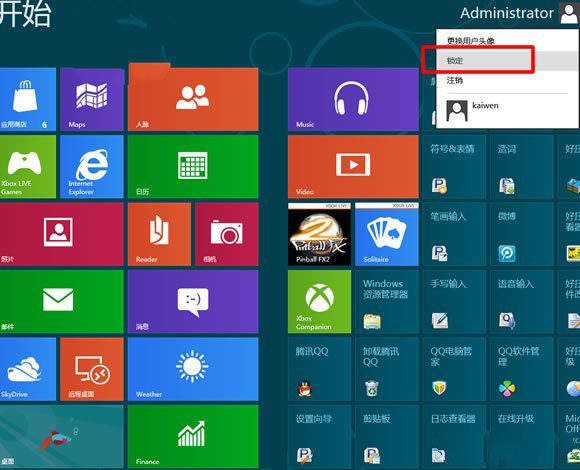
Win8 引入類手機的鎖定畫面,初次使用者常不知如何解鎖。本文整理鎖定與解鎖的所有方法:
鎖定畫面亦可顯示通知、行事曆、郵件等資訊,善用可提升效率。
Win8 藍畫面 0x00000050 怎麼辦?安全模式移除問題驅動與磁碟整理
預裝 Win8 無法網路啟動?電話啟動完整步驟圖解
Windows 8.1 更新錯誤 8024402F?修改 DNS 快速解決
Win8 清除搜尋記錄:超級搜尋與檔案總管分別操作
Windows 8 郵件應用完整設定教學:新增 Exchange/IMAP 帳號
Win8 開啟共用印表機完整教學:從啟用共用到新增網路印表機
Windows 8 快速取消開機密碼登入,實現自動登入
Windows 8.1 自定义纸张尺寸打印的设置方法