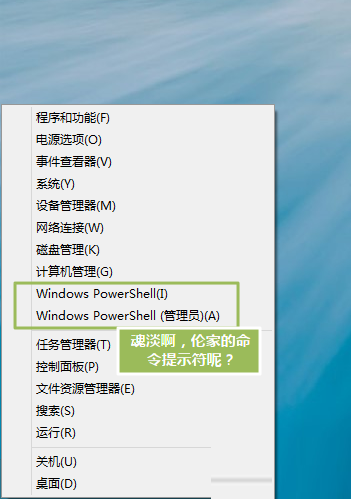
Win8 輸入法圖標不見且熱鍵無法切換,按序排查:
若上述後仍只見佔位符,進 C:\Windows\System32\LogFiles,無 Scm 資料夾則手動新建一個,重啟電腦即可恢復正常顯示。
C:\Windows\System32\LogFiles
Scm
成因:系統更新/清理工具誤刪 Scm 目錄導致輸入法圖標載入異常。新建空目錄即可修復註冊表引用路徑。
Windows 8.1 應用程式商店安裝軟體教學
無聲勝有聲:用圖片拼貼專屬 Win8 世界(鎖定畫面、圖片密碼、開始畫面、帳號圖片、主題)
Win8 如何用指令設定靜態 IP?netsh 命令列快速配置網路
Windows 8 安全新功能全解析:UEFI Secure Boot、SmartScreen 篩選器、內建 Windows Defender 整合 MSE 技術
Win8.1 Update 新功能大盤點:開始畫面、工作列、滑鼠鍵盤全面優化
Windows 8 IE10 與內建閱讀器:Metro 全螢幕瀏覽與 PDF 支援
Windows 8 啟用數學輸入面板(手寫公式輸入)兩種快速方法
Windows 8 開啟自動更新完整教學:確保系統即時獲得安全性修補程式