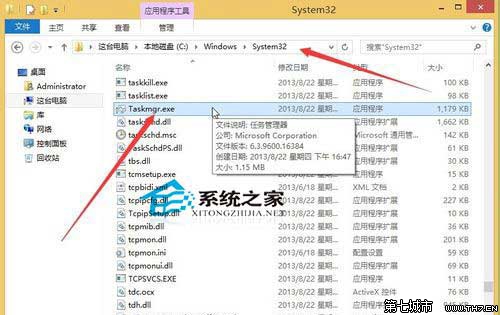
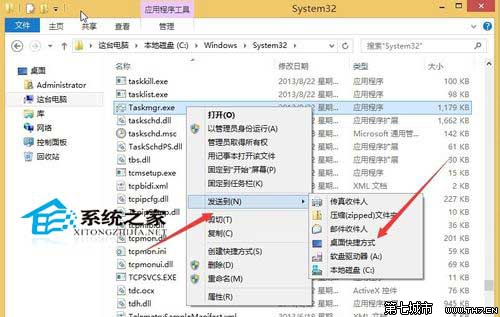
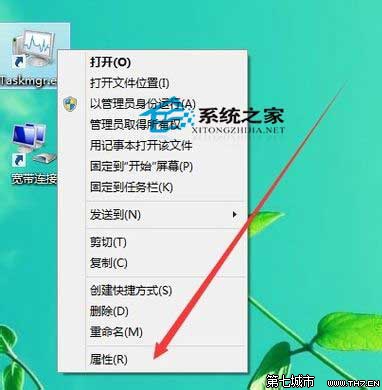
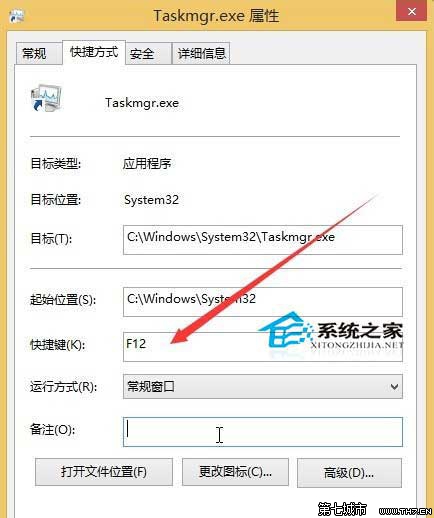
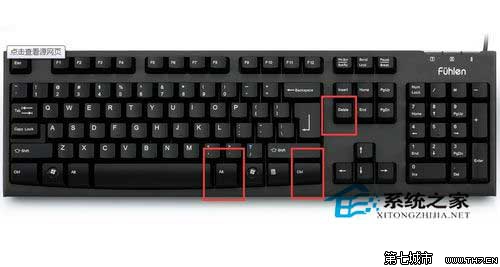
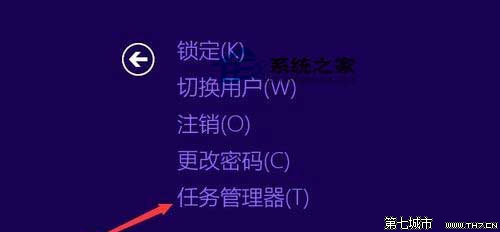
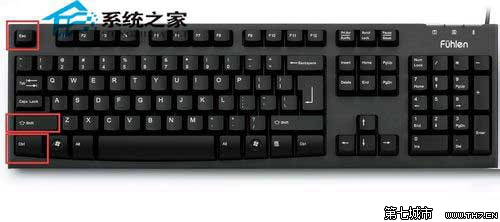
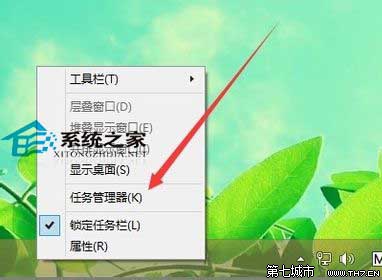
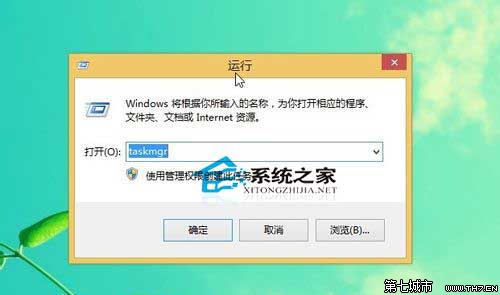
Windows 8 開啟工作管理器有多種管道,適應不同操作習慣:
C:\Windows\System32
taskmgr.exe
taskmgr
熟記 Ctrl+Shift+Esc 與 Win+R taskmgr 兩招,應對當機、高資源佔用最迅速。
Win8一鍵清理垃圾檔案 釋放磁碟空間完整教學
不用軟體解壓 Windows 8/8.1 install.wim:DISM 指令掛載提取檔案
Windows 8 應用推薦:過年必備好軟體——日曆、訂房、K歌一次滿足
Windows 8 工作列新增工具列:觸控鍵盤與自訂資料夾工具列
Windows 8 變更桌面圖示:顯示/隱藏電腦/回收站/控制台/網路
Windows 8.1 內建 3D Builder 應用:輕鬆創建與列印 3D 物件
Win8 程式圖示如何顯示在桌面?同 80794 複製捷徑法適用
Win8.1 複製檔案到 OneDrive 教學:App 中四步驟完成雲端備份