Windows XP Windows 7 Windows 2003 Windows Vista Windows 綜合教學 Linux 系統教學
Windows 10 Windows 8 Windows 2008 Windows NT Windows Server 電腦軟體教學

Win8 IE 網頁無法正常顯示?三招修復:關閉增強保護模式、相容性檢視加入網址、netsh winsock 重置

編輯:Win8 系統應用技巧

IE 頁面排版錯亂、空白、腳本錯誤,依序嘗試:

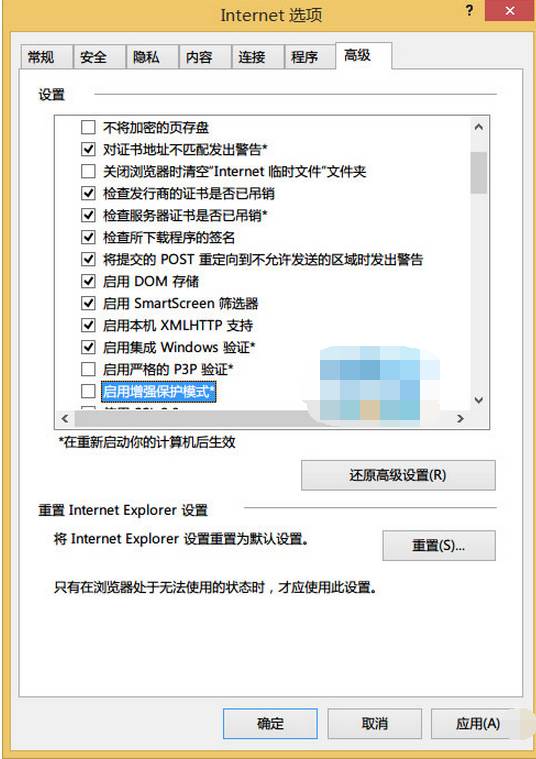
方法一:關閉增強保護模式

  1. IE → 齒輪圖示 → 「網際網路選項」→ 「進階」→ 取消勾選「啟用增強保護模式」→ 確定重開 IE。
IE 當機提示 進階頁籤增強保護模式 取消勾選確定

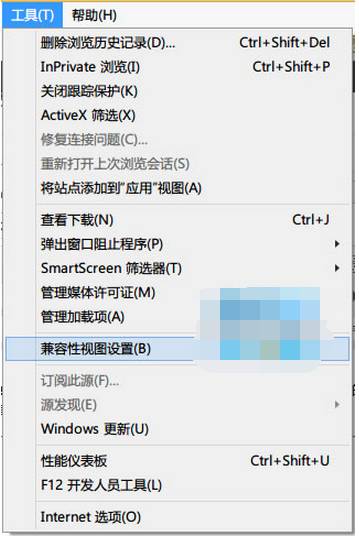
方法二:相容性檢視加入問題網址

  1. IE → 齒輪圖示 → 「相容性檢視設定」→ 「加入這個網站」輸入網址 → 「加入」→ 關閉。
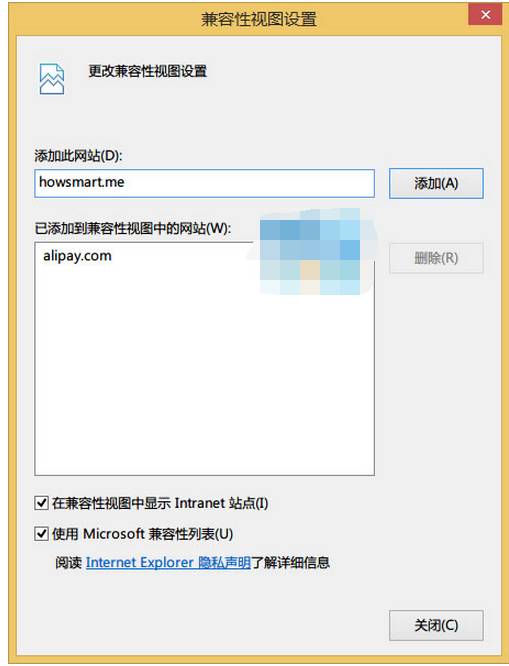
相容性檢視設定

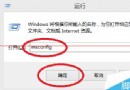
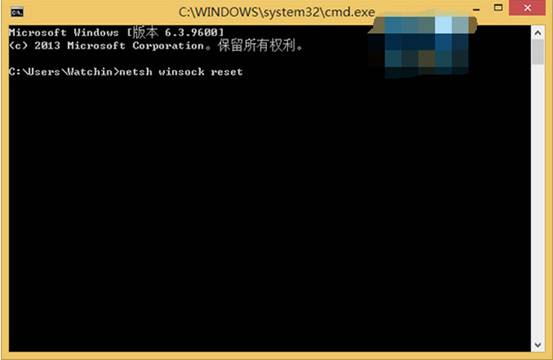
方法三:重置 Winsock 目錄

  1. Win+R → cmd (系統管理員) → 輸入 netsh winsock reset → Enter → 重開機。
CMD netsh winsock reset

通常方法一或三即可解決大多數 IE 顯示異常問題。

Copyright © Windows教程網 All Rights Reserved