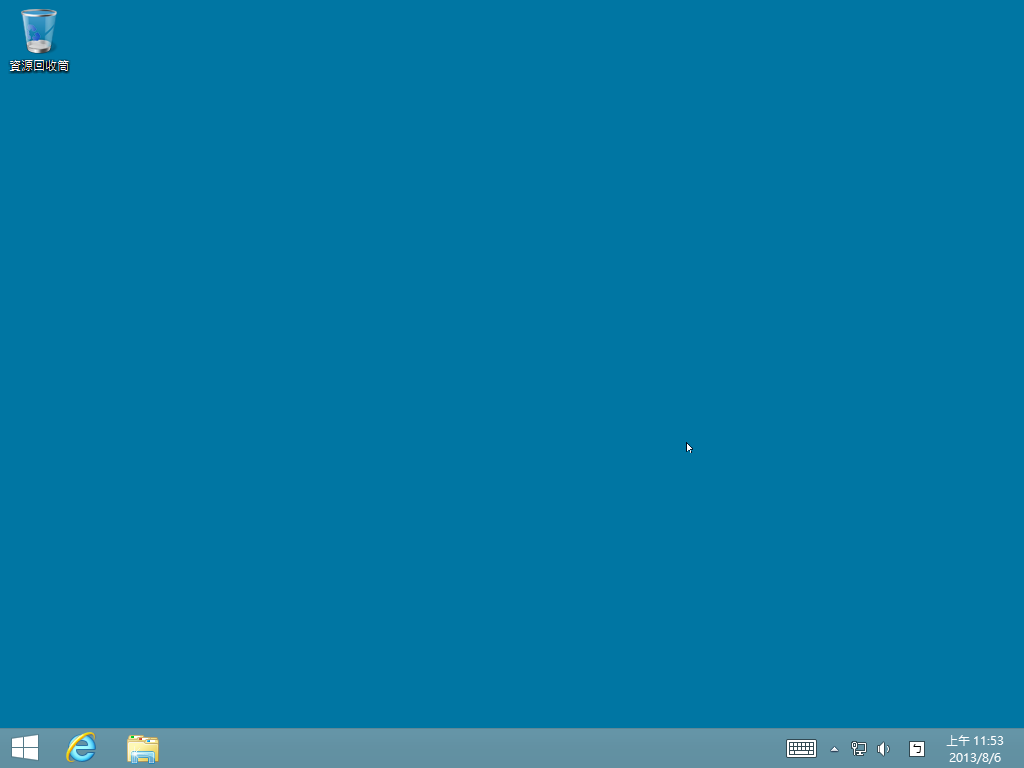
升級到 Windows 8.1 後,桌面上只剩「資源回收筒」,習慣使用 IE 瀏覽器的用戶可能會感到不便。以下教您手動建立 IE 捷徑,恢復一鍵啟動習慣。
iexplore.exe,點擊「確定」。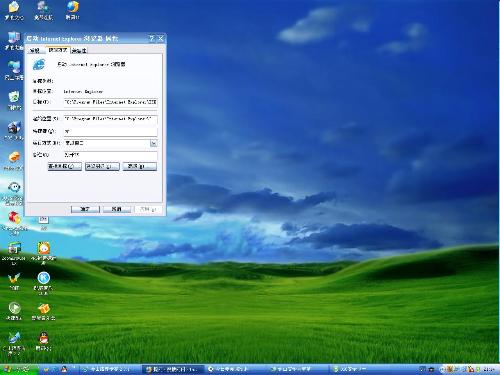
桌面即會出現 IE 瀏覽器捷徑,雙擊即可快速啟動。同樣方法也適用於其他常用程式的捷徑建立。
Win8 删除用户账户:计算机管理→本地用户和组→右键删除(不可恢复)
Win8 IE10 手動開啟「禁止追蹤」(Do Not Track):Internet 選項 → 進階 → 勾選「一律傳送請勿追蹤標頭」
Windows 8 網路設定新體驗:Modern UI 快速設定與傳統控制台並存
Windows 8 變更檔案關聯與開啟方式:控制台預設程式與右鍵選單雙重管道
預裝 Win8 筆電無法安裝 Win7?BIOS 關閉 Secure Boot 與 UEFI/Legacy 設定
Windows 8.1 建立擴充分割區命令列教學:DiskPart select disk、create partition extended 全流程