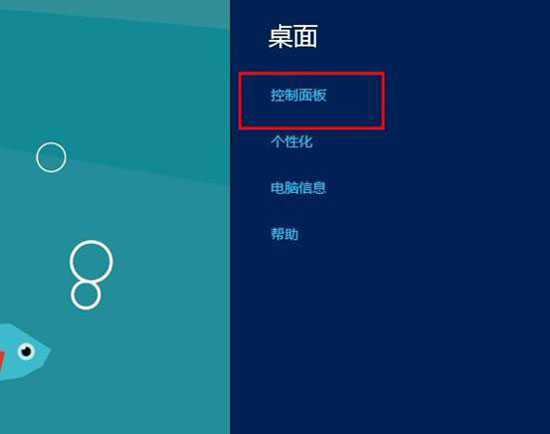
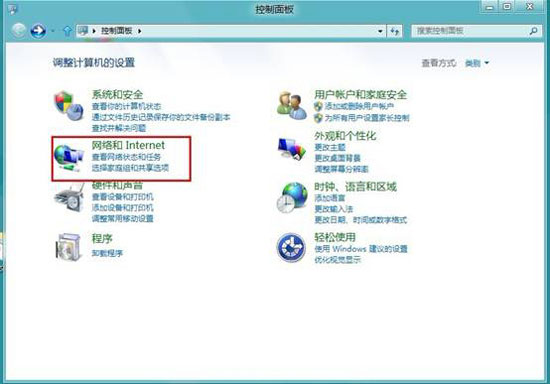
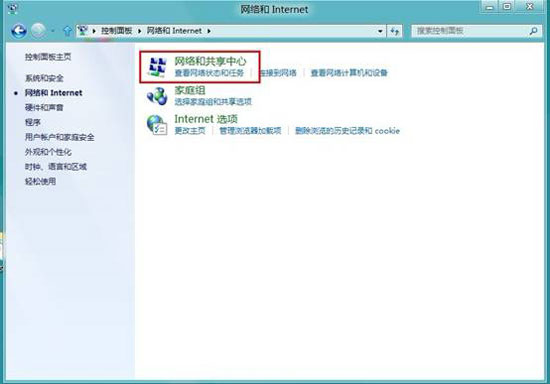
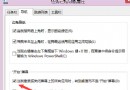
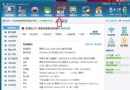
Win8 內建 DLNA 媒體串流功能,可將音樂、影片、圖片串流播放至支援裝置(智慧型電視、播放器、手機)。設定路徑:控制台 → 網路與網際網路 → 網路和共用中心 → 媒體串流選項。
需確保裝置在同一區域網路、防火牆允許媒體串流通訊。Windows Media Player 亦可作為媒體伺服器,設定「串流」→「允許遠端控制我的播放器」與「自動允許裝置播放我的媒體」。
Win8 變更鍵盤輸入法與語言完整圖文教學
Windows 8 開啟/關閉 Aero Peek 預覽桌面功能
Win8.1 Update 更新失敗?兩行 DISM 指令移除殘留套件再重裝
Win7/Win8 雙系統移除 Win8 完整步驟:msconfig 刪除啟動項 + 格式化分區
命令列建立 Windows 8 Windows To Go 行動工作區完整步驟
Windows 8 操作技巧 50 連發:鎖定畫面、熱鍵、關機、搜尋、虛擬機、任務管理器、ISO 掛載等完整攻略
Win8 自訂開機音樂 VBS 腳本替換系統預設聲音
Win8 快速切換第二螢幕模式 Win+P 一鍵呼叫投影選單