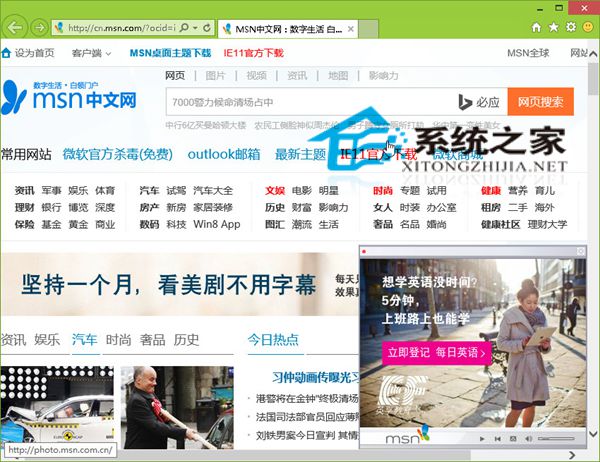
IE11 設定首頁:右邊緣滑入 → 「設定」 → 「選項」 → 「首頁」 → 「管理」 → 輸入網址或「新增目前網站」。個人偏好不同,導航網站、入口網站、空白頁皆可。
小編習慣:設定空白頁 (about:blank) 為首頁,開啟瀏覽器最乾淨快速。首頁設定因人而異,依個人使用習慣調整即可。
about:blank
Windows 8 開發版隱藏功能啟用:原生 PDF 閱讀器、Ribbon 介面與網路攝影機
Win8 快速切換第二螢幕模式 Win+P 一鍵呼叫投影選單
Windows 8 虛擬熱點共享上網設定指令完整版
Win8.1 手動建立系統還原點完整圖文教學
Win 8 QQ 電腦管家無法啟動/安裝異常?軟媒魔方清理殘留安全軟體後重裝
Windows 8 鍵盤捷徑大全:Win 鍵、滑鼠操作與特殊組合鍵完整表
Windows 8 常用快捷鍵完整速查表:30+ 組合鍵涵蓋視窗、搜尋、系統、多螢幕操作
新筆電預裝 Win8 OEM 金鑰找不到?三大工具+原生指令完美提取