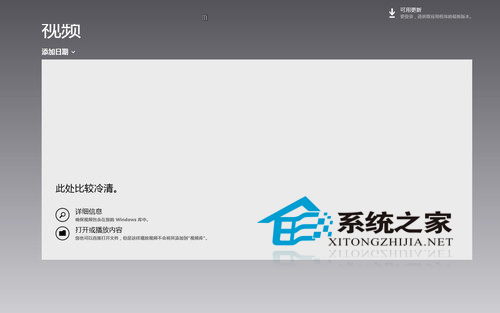
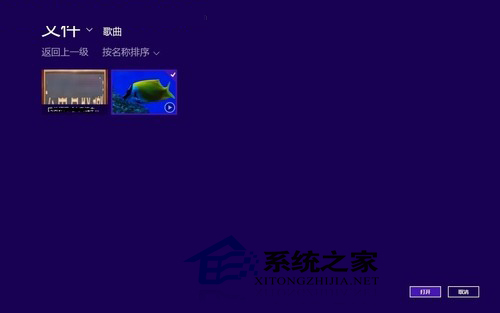
Win8 內建影片應用功能基礎,但支援 WMV 格式:
其他格式尚未測試;專業播放需求仍建議裝 PotPlayer、VLC 等第三方播放器。
Win8 重新命名 C 槽提示「無法修改名稱」 登錄建立預設標籤法
Win8.1 右鍵開始按鈕找不到命令提示字元?任務列屬性還原
Win8 輸入法圖示消失?任務列通知區域圖示設定恢復法
Windows 8 全球市佔率達 0.13%:CP 版用戶超越 Mac OS X Mountain Lion 測試版兩倍
如何查看 Win8.1 是否已升級 Update 版?開始畫面有無電源鍵一眼辨識
Windows 8 新增虛擬網路介面卡 (Microsoft KM-TEST Loopback Adapter) 完整圖文教學 (重複內容整合版)
Windows 8 開啟/關閉 Windows 功能:Hyper-V/.NET/IE 等選用元件管理
Windows 8 應用程式相容性深度解析:版本號、無頭伺服器、.NET、4K 扇區與核心驅動簽章