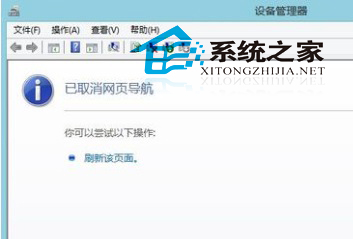
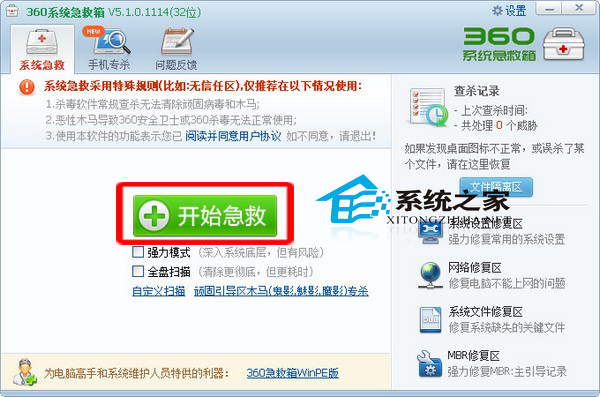
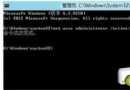
開啟裝置管理員卻顯示「已取消網頁導覽」白頁,通常是 C:\Windows\System32\devmgmt.msc 檔案損壞或 MMC 主控台元件異常。
C:\Windows\System32\devmgmt.msc
此問題屬 MMC 主控台載入失敗,檔案替換通常能立即解決。
Win8 單獨調整個別程式音量:音量合成器隱藏技巧
Win8 升級 Win8.1 Update 完整圖文教學:商店 → Windows Update 兩階段
Windows 8 開機自動進入桌面:建立 .scf 捷徑法(同 84108)
Win8.1 Update 企業版功能總覽:比專業版多哪些?
Windows 8 設定 OneDrive 離線存取,無網路也能用檔案
Windows 8 IE10 設定在新索引標籤開啟彈出視窗:網際網路選項分頁設定教學
Win8.1 Update 3 (11 月更新) 功能彙總:安全強化、硬體支援、可管理性提升
Windows 8 更新失敗?常見原因與解決方案全攻略