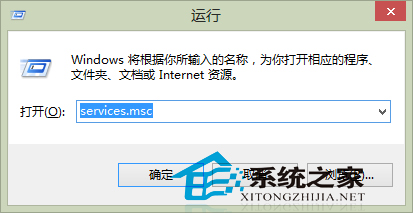
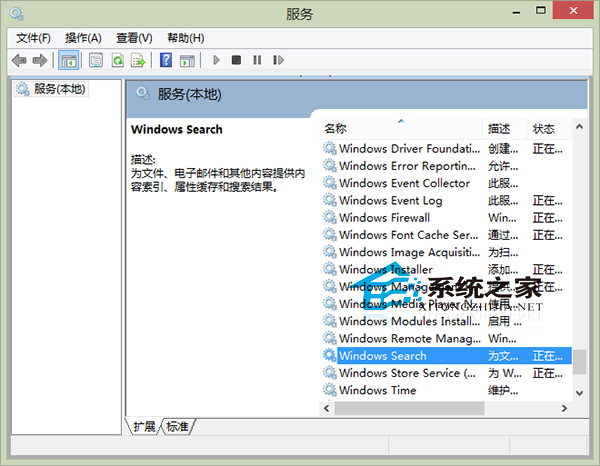
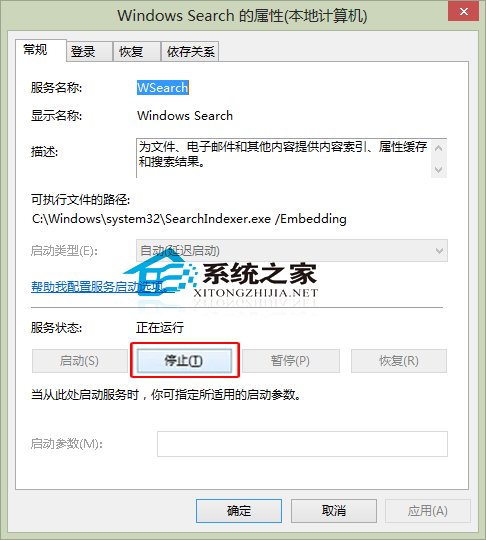
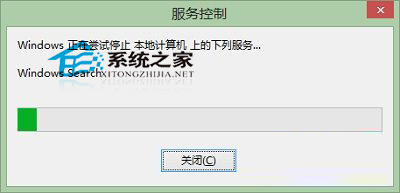
Windows 8 內建搜尋功能雖方便,但部分用戶偏好第三方搜尋工具(如 Everything、Listary),或因索引服務佔用資源而想關閉。可透過「服務」管理工具停用 Windows Search。
services.msc
提醒:需重新啟用時,同介面點擊「啟動」即可。關閉內建搜尋不影響系統正常運作,可安心改用第三方工具。
Windows 8 指派存取權設定教學:限制標準帳戶僅能執行單一 Modern 應用程式
Windows 8 執行代理軟體即藍屏?藍屏分析指向 NETIO.SYS 驅動程式衝突
Win 8.1 查看系統版本號兩大法:Win+X 系統資訊與電腦設定雙路徑
Win8 無法登入系統解決方案與密碼重設磁碟製作
Windows 8 新使用者介面正式命名為「Windows UI」
Win 8 切換多螢幕顯示模式四種選項完整說明
Windows 8 關閉家庭群組服務教學
Windows 8 檔案總管快速查看系統屬性:右鍵電腦屬性與進階系統設定