Windows 安全性中心包含防火牆、安全性通知等核心防護功能。若服務未啟動,系統處於無保護狀態。本文提供透過控制台與服務管理員雙重確保啟用的方法。
操作步驟
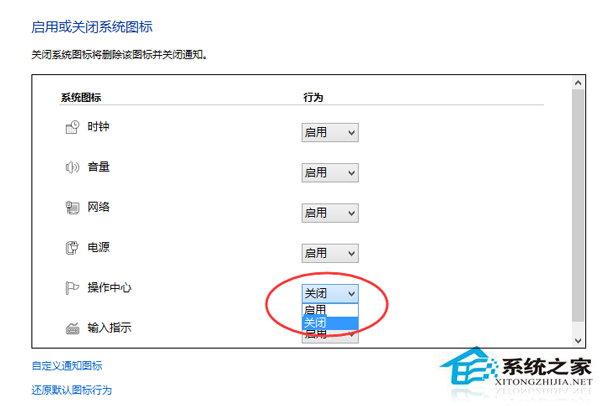
- Win + X →「控制台」→「系統與安全性」→「作業中心」。
- 右側「安全性」區域點選「立即開啟」。若提示「無法啟動 Windows 安全性中心服務」,續執行步驟 3。
- Win + R 輸入
services.msc。
- 找到「Security Center」服務,雙擊 →「啟動類型」設為「自動」→「啟動」→ 確定。
- 回到作業中心再次點選「立即開啟」。
啟用後系統將處於即時防護狀態,建議搭配防毒軟體使用。