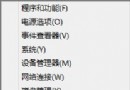
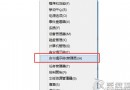
Windows 8.1 建立修復磁碟機提示「無法在此電腦上建立修復磁碟機」,主因為 Windows 復原環境 (Windows RE) 未啟用。透過命令提示字元啟用即可解決。
reagentc /enable。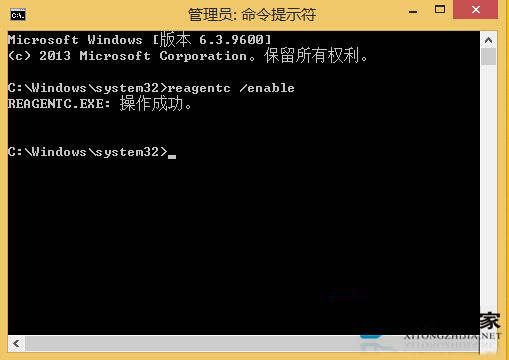
初始化 Windows RE 後,建立修復磁碟機通常即可成功。修復磁碟機可在系統嚴重損壞時用於還原或重設電腦。
Windows 8 解決螢幕保護/喚醒後強制登入:取消恢復時顯示登入畫面
Windows 8 解決無法辨識 USB 裝置:重啟 Plug and Play 服務與重裝驅動
Windows 8 版阿里旺旺評測:Metro 風格購物神器,平板也能暢聊下單
升級 Windows 8 專業版詳細教學:98 元優惠價、註冊、PayPal 付款、升級助手相容性檢查、安裝類型選擇全紀錄
Win8 將軟體釘選到工作列:從「所有應用」右鍵或搜尋快速操作
Windows 8 無法使用 Proxy 代理伺服器上網?導入 IE 代理設定解決