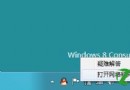
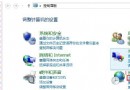
為防止他人未經授權使用電腦,設定開機密碼是最基本的防護措施。Windows 8 可透過「電腦管理」為本地帳戶建立密碼,重開機後即需輸入密碼才能進入桌面。
操作步驟
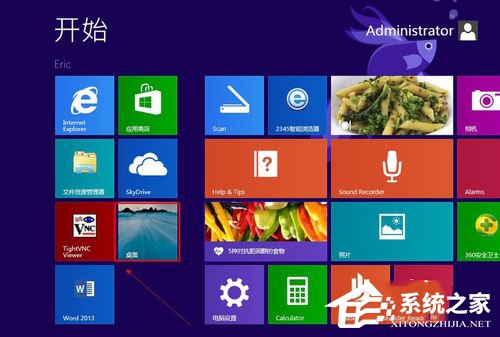
- 進入桌面(Win+D 或點擊「桌面」磚)。
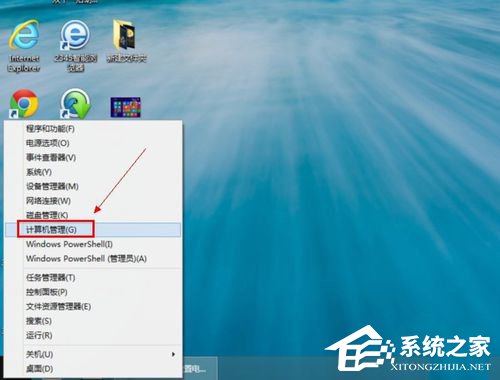
- 右鍵開始按鈕(左下角)→ 選擇「電腦管理」。
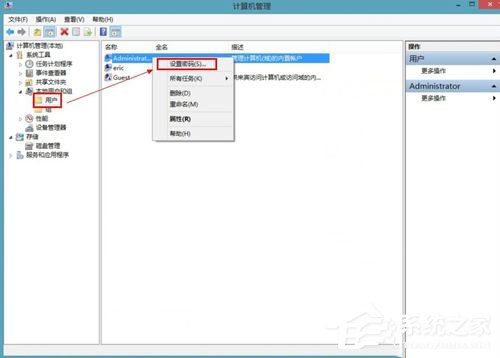
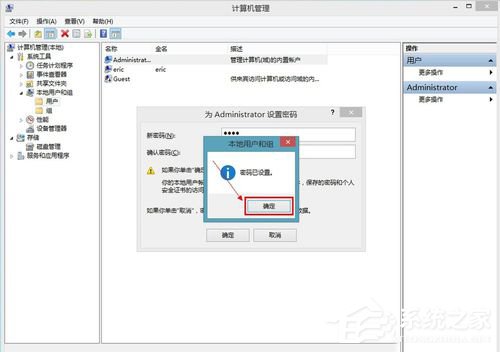
- 依序展開:「系統工具」→「本地使用者和群組」→「使用者」→ 右鍵目標帳戶 → 「設定密碼」。
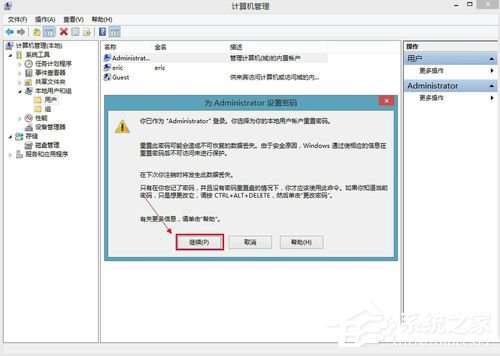
- 閱讀警告訊息後點擊「繼續」。
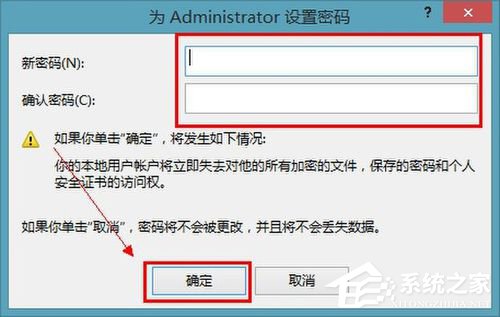
- 輸入新密碼並確認 → 「確定」。
- 顯示「密碼已設定」訊息。
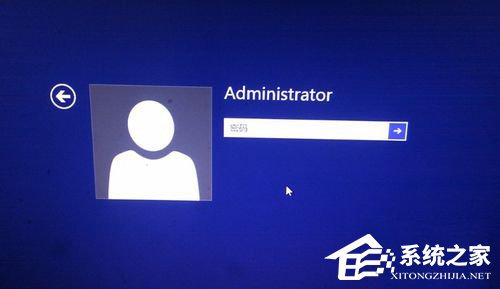
- 重新開機測試,登入畫面將要求輸入密碼。
補充:若使用 Microsoft 帳戶登入,密碼即為 Microsoft 帳戶密碼,無需在此設定。本方法適用於本地帳戶。